
Back to Blog
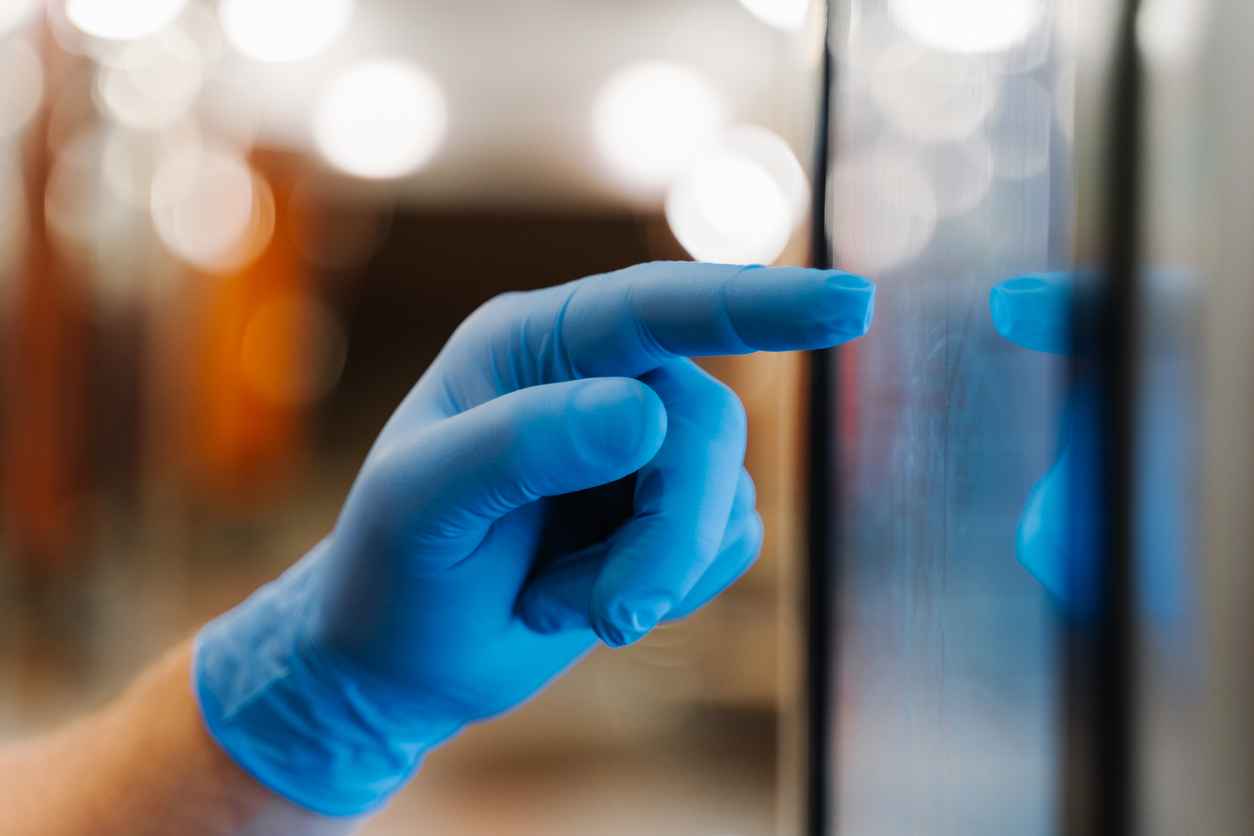
Integrating Touchscreens into Harsh Environments: Tips and Best Practices
April 7, 2026
Touchscreen technology has become a standard interface across industries, but not all environments are touchscreen-friendly. From extreme temperatures and moisture exposure to dust, vibration, and heavy use, harsh environments can quickly compromise performance if displays aren’t designed with the right protections.
So how do you successfully integrate touchscreens into these demanding conditions? Below are key tips and best practices to ensure long-term reliability, usability, and performance.
Understanding the Challenges of Harsh Environments
Before selecting or designing a touchscreen solution, it’s important to identify the environmental factors that can impact performance:
- Temperature extremes (both hot and cold)
- Moisture, humidity, or liquid exposure
- Dust, dirt, and debris
- Vibration and mechanical shock
- Glare and direct sunlight
- Frequent or heavy usage (including gloves or tools)
Each of these factors plays a role in determining the right touchscreen technology and system design.
Choose the Right Touch Technology
Not all touchscreens perform equally in harsh conditions. Selecting the appropriate technology is the first critical step.
PCAP (Projected Capacitive)
- Ideal for high-sensitivity, multi-touch applications
- Works well with gloves (when properly configured)
- Durable and widely used in industrial and medical environments
Resistive Touch
- Performs reliably with gloves, styluses, or tools
- Less sensitive to water and contaminants
- A strong choice for rugged, high-contact environments
Best Practice: Match the touch technology to how the screen will actually be used, not just where it will be used.
Implement Optical Bonding
Optical bonding is one of the most effective ways to enhance touchscreen performance in challenging environments.
Benefits include:
- Reduced glare and improved readability in bright conditions
- Increased impact resistance
- Elimination of internal condensation
- Improved overall durability
For outdoor or high-humidity environments, optical bonding is often essential—not optional.
Prioritize Ruggedization
Standard consumer-grade displays are not built for harsh conditions. Industrial applications require ruggedized components designed to withstand stress.
Key considerations:
- Reinforced glass or protective cover lenses
- Sealed enclosures (IP-rated) to prevent ingress
- Shock- and vibration-resistant mounting
- Chemical-resistant coatings for easy cleaning
Ensure Readability in All Lighting Conditions
Visibility is often a major challenge, especially outdoors or in brightly lit industrial settings.
Solutions include:
- High-brightness displays
- Anti-reflective and anti-glare coatings
- Optical bonding to improve contrast
- Automatic brightness adjustment based on ambient light
Design for Temperature Management
Extreme temperatures can affect both touch responsiveness and display longevity.
Best practices:
- Use components rated for extended temperature ranges
- Incorporate thermal management solutions (heaters, cooling systems)
- Avoid direct exposure when possible through smart enclosure design
Plan for Glove and Wet Operation
In many industrial, medical, and outdoor applications, users interact with touchscreens while wearing gloves or in wet conditions.
Key considerations:
- Tune PCAP sensitivity for glove use
- Consider resistive touch for maximum input flexibility
- Implement water-rejection algorithms to prevent false inputs
Focus on Long-Term Reliability and Maintenance
Harsh environments increase wear and tear, so long-term planning is critical.
Best practices:
- Select industrial-grade components with long lifecycle availability
- Design for easy maintenance or replacement
- Partner with suppliers who offer customization and support
Work with a Custom Display Partner
Off-the-shelf solutions often fall short in demanding applications. Customization ensures your touchscreen is built specifically for your environment and use case.
From housing design and touch integration to optical bonding and environmental sealing, a tailored approach delivers better performance and reliability.
Partner with Fortec US for Rugged Touchscreen Solutions
At Fortec US, we specialize in custom industrial display solutions built to perform in demanding environments. From touch integration and optical bonding to rugged enclosures and long-term support, we deliver solutions designed around your application.
Have a challenging environment to design for? Contact Fortec US to explore touchscreen solutions built for durability, performance, and reliability.

Which Industries Benefit Most from Optical Bonding?
April 6, 2026
How Industrial Monitors Differ from Consumer Displays
April 2, 2026
What Is a TFT Display? A Beginner’s Guide
March 6, 2026
How to Plan for Component Obsolescence Before It Becomes a Problem
March 5, 2026
Why Optical Bonding Matters in High-Reliability Displays
March 2, 2026
How Display Technology Strengthens Human-Machine Interaction
February 7, 2026