Which Interface Boards Make Display Integration Easier?
September 17, 2018
The boards that make integration easier sit between the panel and the rest of the system: adapter boards that turn an awkward panel connector into a standard LVDS and backlight interface, power boards that keep the supply stable, and add-on boards that monitor the display, control it remotely, or give it sound. Our IF series covers all of these. The boards are developed by FORTEC Integrated (formerly Distec), our sister company in Germany within the FORTEC Group, and we supply, integrate, and support them from Ronkonkoma, New York. Our guide to interface boards explains the types in general.
How do you connect a panel that has no standard LVDS interface?
With an adapter board that converts the panel’s connector to a standard LVDS and backlight interface, usually with the LED backlight driver on the same board:
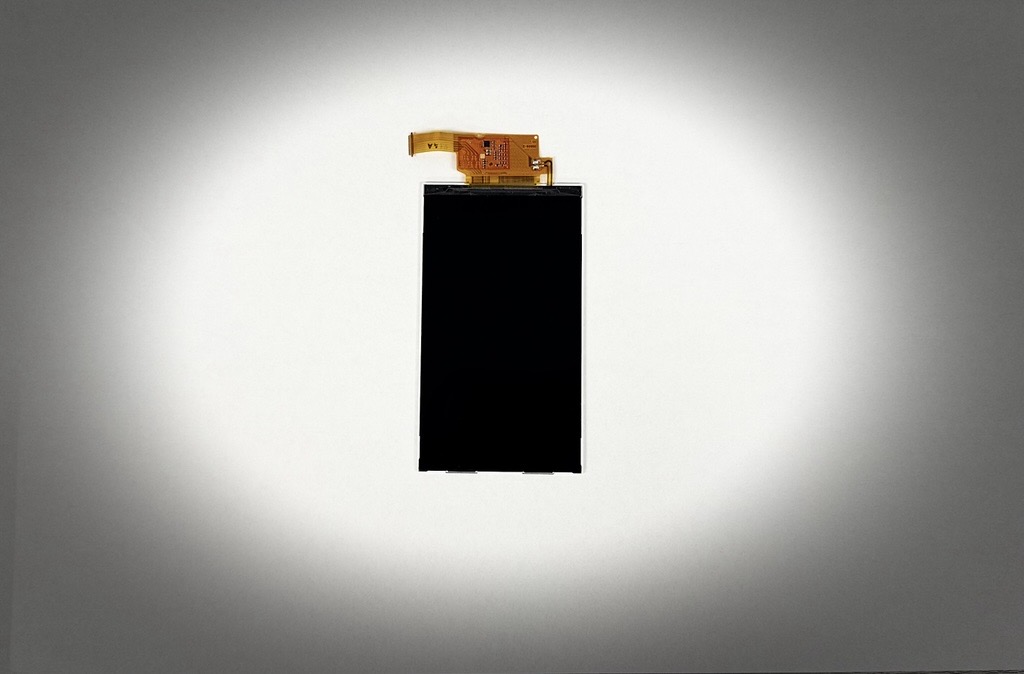
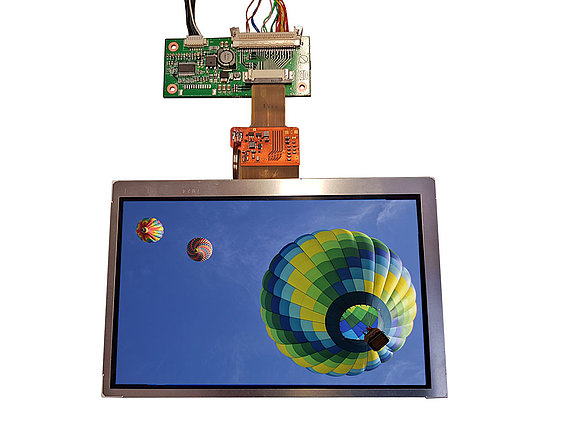
- The IF420 connects 5-inch and 7-inch ORTUSTECH WVGA displays, which use LVDS on a flex cable that is hard to connect to a graphics card directly. It has the LED backlight driver on board, and we can supply it mounted on the back of the display as a complete solution.
- The IF422 connects 3.5-inch and 4.3-inch ORTUSTECH displays, which use a TTL interface on an FFC cable, to an LVDS interface. Its integrated LED converter takes a 9 to 35 V input, so with our Prisma TFT controllers the display runs easily in a 24 V network. We supply it as a kit with all the cables.
- The IF419 solves a mechanical problem on a 17-inch WUXGA panel with two connectors far apart: with a cable set, it combines them into one LVDS and backlight interface. The panel, IF419, and cables come as a plug-and-play kit, and kits with our Prisma or Artista-IoT TFT controllers are available too.
ORTUSTECH displays are now reaching end of life: Toppan is ending all of its LCD production, the last-time buy closes at the end of October 2026, and March 2028 is the final shipment date. Our ORTUSTECH end-of-life notice explains what OEMs should do now. Where a replacement is not a drop-in, the gap is usually closed with a compatible display plus an interface board, which is the job these adapters do.
How do you run a 12 V display on an unstable vehicle supply?
Through a wide-range DC-DC converter. Board voltage in buses, trains, and trucks fluctuates heavily as loads such as air conditioning switch on and off, which makes 12 V units hard to operate. The IF414 accepts +8 to +36 V with voltage peak suppression and delivers a stable 12 V at up to 5 A, from -20 to +80°C. It also connects 12 V devices to a 24 V system.
How do you know a remote display is still working?
With a sensor on the screen itself, because a PC or controller cannot tell from the data and backlight connection whether the display is showing an image. The IF444 Frozen Screen Sensor is glued into a corner of the active area and watches a few pixels for a blinking pattern. If the image freezes, the signal drops, or the backlight fails, it sends a digital, visual, or acoustic warning through the PC or SBC, our Prisma and Artista TFT controllers, or the IF445, under Windows or Linux. It can be retrofitted, or we supply TFT modules already modified to take it, so displays spread across many sites in 24/7 operation can be checked without an on-site inspection.
For wider system management, the IF461 System Management Board adds monitoring, diagnostics, and control to display controller boards, with live data, status messages, and alerts in real time, and upgrades existing systems without replacing the controller. Built on a compact ESP32 Mini-1, it connects fans and light, IR, and temperature sensors, is configured over USB-C, and communicates over UART, Wi-Fi, Ethernet, and Bluetooth Low Energy. The SMB Wizard manages firmware and configuration centrally, a Remote OSD Tool runs on PC and Android, and the board can be customized for a project.
Can a display get wireless control or sound?
Yes, both. The IF445 Wireless Connectivity Board opens a Wi-Fi access point to a web server, so a user can switch the display on or off and change OSD settings such as brightness and contrast from a smartphone. It adds GPIOs, an SPI interface, and an I²C interface for brightness or temperature sensors. Because it has exactly the same dimensions as our OSD board, existing designs can be upgraded; only the EMC values change, because of the antenna.
The IF442 USB 2.0 stereo audio module connects inside a display unit or monitor and drives two speakers, with two mono microphone inputs for our IF443 microphone boards. Volume is set over USB or through the I²C interface with a microcontroller and, for example, a rotary control. It turns a display into a conference, information, or intercom monitor.
Tell us which panel you are working with and where it has to run, and we will take it from there. We choose or adapt the interface boards, integrate them with the panel, touchscreen, and controller, and stay with the project from first samples to series production, backed by our technical services.