What Is On-Cell or In-Cell Touch, and When Does It Simplify a Design?
June 7, 2017
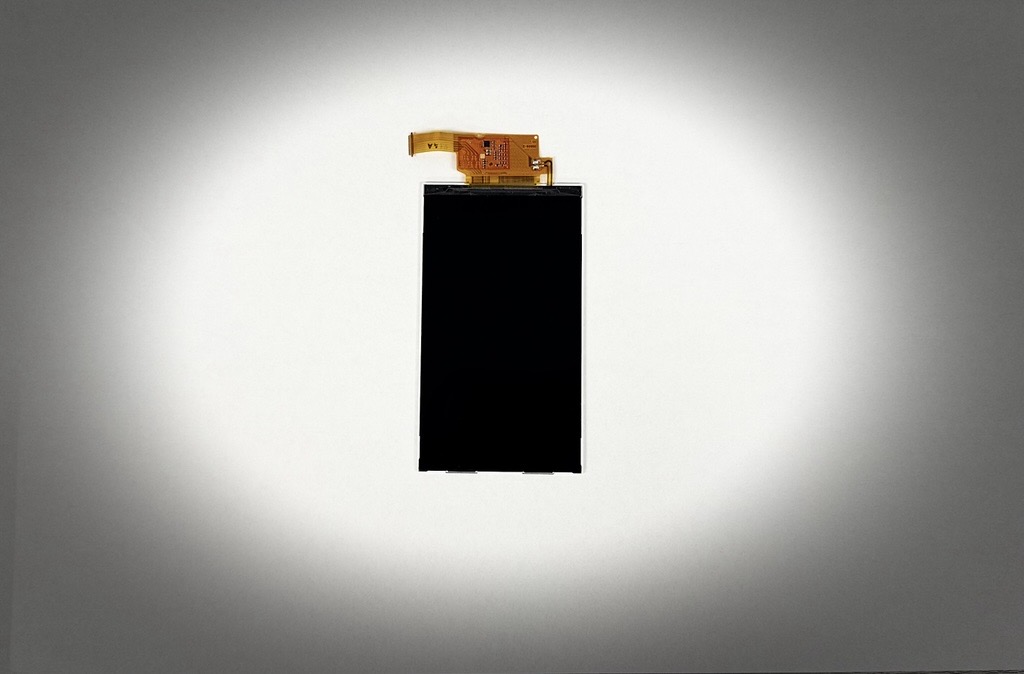
On-cell and in-cell touch put the projected capacitive (PCAP) touch sensor into the display itself instead of adding a separate touch screen on top. On-cell touch applies the sensor directly to the display glass while the TFT display is being produced; in-cell touch integrates it into the TFT cell. Either way, it simplifies a design that needs a compact, lightweight touch display with the touch controller already on board.
What are the advantages of on-cell and in-cell touch?
- No additional touch glass, so the module is slimmer and lighter.
- Fewer internal reflections, for a sharper, more brilliant image.
- The touch controller, and often the LED backlight driver, are integrated in the display, which speeds up integration.
- In on-cell designs, shielding improves electromagnetic compatibility for trouble-free operation.
What is the catch with integrated touch?
Adding a custom cover glass. Many displays with factory-integrated PCAP touch have no bezel, which rules out a conventional wet bonding process that needs a dam. Our VacuBond® optical bonding is a dry process with no dam, done in-house in Ronkonkoma, New York, so we can bond a protective or decorative glass directly onto the touch surface.
Touch performance through the extra glass is the other half of the job. On AUO’s 15-inch G150XTK01.0 with on-cell touch, AUO specified a cover glass of up to 1.8 mm. For outdoor and vandal-prone sites that is not always enough, so we bonded a 3 mm hardened cover glass and kept all five touch points. Two things made it work: compared with the air gap of conventional tape bonding, the silicone OCA in the VacuBond process has a better permittivity, and we adapted the touch controller firmware to the glass thickness. We then released the display with a 4 mm protective glass and, through the same firmware adaptation, raised it to 10 touch points. For more on the material, see which optical bonding material is best.
Which on-cell and in-cell touch displays are available?
- AUO G150XTK01.0 (S01): 15-inch, 1024 × 768 (XGA), 390 cd/m², -30 to +85 °C, 5-point on-cell PCAP touch, integrated LED backlight driver. The panel’s original listing is discontinued; this is its current listing. It is also available as the IoT-CP-G150XTK01.0-00, a plug-and-play IoT compact panel with our Raspberry Pi-based Artista-IoT controller in a box on the back and passive cooling for full load at high ambient temperatures.
- Tianma TM070JVHG33-01: 7-inch with integrated capacitive touch for up to 5 fingers, even with gloves, behind a 1.1 mm chemically hardened front glass with a black border. SFT technology gives 170° viewing angles. Its 10.1-inch sibling, the TM101JVHG32-00, is discontinued.
- LG in-TOUCH: the 15.6-inch LP156WFD-SPM2, 1920 × 1080 with 10-finger in-cell touch, IPS viewing angles, an eDP interface, and a depth of only 3.2 mm. LG’s 14-inch LP140WFB-SPK4 uses eDP as well. The 21.5-inch LM215WFA-SSE3 has been discontinued by LG, which names the LM215WFA-SSG2 as its successor.
- Kyocera’s 7-inch on-cell touch displays, TCG070WVLRxPCx-GDx117 with I²C and GDx118 with USB, are discontinued.
More options are on our touch displays page. For where integrated touch pays off, see the benefits of touchscreen integrated displays.
How do we take an integrated touch display into production?
Tell us where it has to work, and we will take it from there. We recommend the touch display, controller, and power together, bond and tune the cover glass, and supply it as a component or a plug-and-play kit, sourced through the FORTEC Group. If a panel in your design receives an end-of-life notice, our obsolescence management tells you early and plans a last-time buy or a qualified replacement with you.