The Real Cost of Choosing the Wrong Display for an Industrial Product
August 28, 2026
How Choosing the Wrong Industrial Display Can Increase Product Costs
Selecting a display for an industrial product may seem like a straightforward specification exercise. Screen size, resolution, brightness, and touch technology are often among the first considerations. However, the lowest-cost or most readily available display is not always the most cost-effective choice. Choosing the wrong display can lead to integration challenges, product redesigns, reliability issues, and unexpected costs later in the product lifecycle.
Understanding the potential risks early can help businesses make better technology decisions from the beginning.
1. Integration Costs Can Add Up Quickly
A display needs to work with the rest of the system. Differences in interfaces, mounting dimensions, touch technology, power requirements, or mechanical design can create unexpected engineering work.
A display that initially appears affordable may require:
- Custom mounting hardware
- Additional controller boards
- Interface converters
- Modified enclosures
- Software adjustments
- Additional engineering time
Selecting a display based on the complete system requirements can help minimize these integration costs.
2. Environmental Conditions Matter
Consumer displays are generally designed for controlled environments. Industrial equipment may operate in locations exposed to temperature fluctuations, vibration, dust, moisture, or bright ambient light. Using a display that isn’t designed for the application can result in reduced performance or premature failure.
Industrial display selection should consider factors such as:
- Operating temperature range
- Brightness
- Viewing angle
- Shock and vibration
- Environmental protection
- Expected operating hours
The right specifications depend on where and how the equipment will be used.
3. Poor Visibility Can Affect Productivity
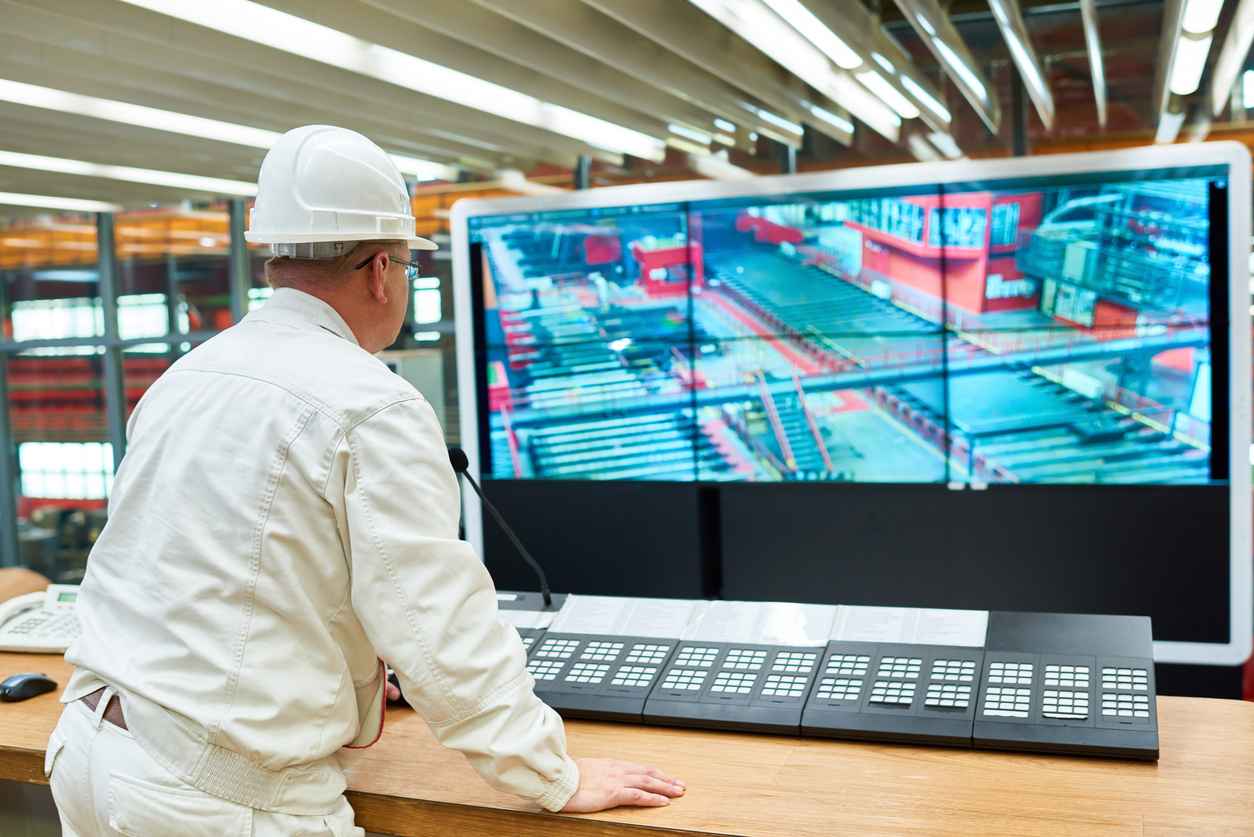
A display may function correctly but still be poorly suited to its environment. For example, a standard-brightness screen installed near a bright window or in an outdoor application may be difficult for operators to read. Limited viewing angles can create similar problems when multiple people need to see the same information.
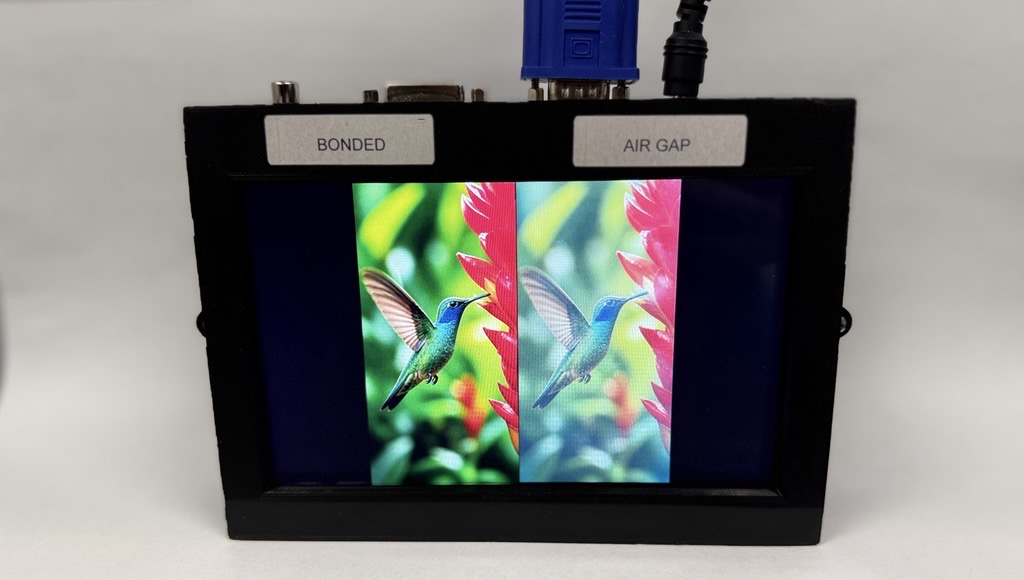
High-brightness displays, wide viewing angles, anti-glare solutions, and optical bonding can help improve visibility in demanding applications. For operator-facing systems, display readability isn’t simply a convenience; it can directly influence usability and efficiency.
4. Touch Technology Needs to Match the Application
Not every touchscreen is appropriate for every environment. A system operated with gloves may require resistive touch technology or a touch solution specifically designed for glove operation. Applications requiring frequent cleaning may benefit from specialized cover glass or contact-reducing technologies such as Hover Touch.
Other projects may prioritize:
- Multi-touch functionality
- Water resistance
- Durability
- Custom cover glass
- Haptic feedback
- High touch sensitivity
Selecting the appropriate touchscreen technology early can prevent costly redesigns later.
5. Short Product Lifecycles Can Create Bigger Problems
Industrial equipment may remain in production for many years. If a display is discontinued shortly after a product launches, the manufacturer may be forced to qualify a replacement or redesign part of the system.
This can mean additional:
- Engineering costs
- Testing and validation
- Certification work
- Inventory management
- Production delays
Long-term availability and lifecycle planning should therefore be part of the display selection process from the start.
6. Replacing a Display Isn’t Always Simple
Even when a replacement display appears similar, small differences can create significant problems.
Changes in these may prevent a simple drop-in replacement:
- Mounting dimensions
- Pin assignments
- Interface requirements
- Display timing
- Touch technology
- Power consumption
- Mechanical tolerances
Selecting a technology partner that can help identify compatible alternatives can reduce the risk associated with product discontinuations.
7. The “Cheaper” Display Can Become More Expensive
The purchase price is only one part of the total cost. A more useful way to evaluate display options is to consider the total cost of ownership, including:
- Purchase price
- Integration
- Testing
- Maintenance
- Redesign risk
- Lifecycle costs
A slightly higher initial investment in a display designed for the application may ultimately reduce development and operating costs.
8. The Right Partner Can Reduce Development Risk
Choosing the right display is easier when you have technical support throughout the development process. FORTEC US offers more than display components. Our capabilities include TFT displays, touchscreens, optical bonding, TFT controllers, industrial monitors, embedded solutions, and more. This allows customers to address display requirements as part of a complete system rather than treating the display as an isolated component.
Find The Right Display With FORTEC US
The right industrial display should do more than fit the enclosure. It should meet the application’s environmental, mechanical, electrical, optical, and operational requirements, and remain viable throughout the product lifecycle.
FORTEC US can help you evaluate display technologies and develop solutions around your application’s specific requirements. Contact our team to discuss your next project.
Which Industries Does FORTEC US Serve?
November 3, 2026
Bringing AI to the Point of Care: Does Your Next Medical Device Need an NPU?
November 2, 2026
What Does the FORTEC Group Mean for US Customers?
October 30, 2026
Is FORTEC US a Distributor? What a Value-Added Display Supplier Does
October 29, 2026
Who Is FORTEC US?
October 28, 2026
Which Optical Bonding Material Is Best: Silicone OCA, Acrylic OCA, or LOCA?
October 15, 2026