
Back to Blog
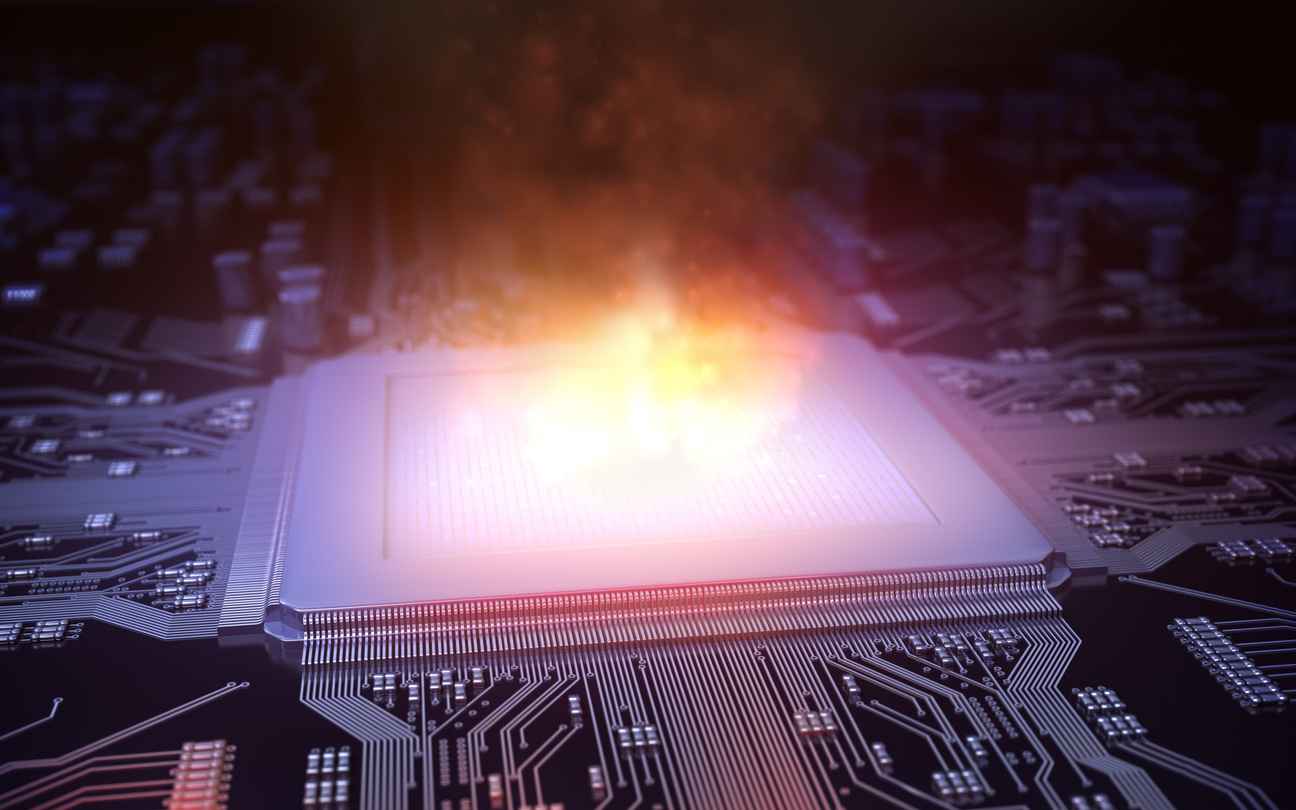
How Does Temperature Affect Industrial Displays and Embedded Computers?
May 31, 2024
Temperature affects an industrial display and the embedded computer behind it in three ways: heat shortens component life, cold slows the LCD down, and the inside of a sealed enclosure can run far hotter than the air around it. Designing for an operating temperature range means starting from where the product will work, and choosing the panel, optical bonding, backlight, embedded computer, power supply, and enclosure together, before the first unit is built.
What does an LCD operating temperature range mean?
It is the range the panel is specified to work in, measured in a test chamber. One of the rugged TFT displays we offer, the TX26D206VM0BAA, is rated to operate from -40°C to +85°C, and its datasheet lists 500-hour operating tests at both extremes. The same datasheet adds a note that applies to every design: the rating is based on chamber temperature, which can differ from the ambient temperature once the panel is assembled into the application.
So the number to design against is not the weather at the installation site. It is the temperature at the panel inside the finished product, with the sun on the housing, the backlight at full brightness, and the computer under load. Lifetimes are specified at room temperature too: that panel’s LED backlight is rated for 50,000 hours to half brightness at 25°C, and its datasheet notes that operating at high temperature shortens LED lifetime.
What is the difference between operating and storage temperature?
Operating temperature is the range a product is specified to work in, and storage temperature is the range it can be kept in, switched off, without damage. The two often differ. Our IP6X 10.1 HB Touch monitor operates from -20°C to +60°C and can be stored from -30°C to +80°C. A unit that spends the night in an unheated vehicle may still be inside its storage range, but it is only specified to work once it is back inside its operating range, which is why cold starts belong in the specification.
Where does the heat inside a display assembly come from?
From three sources at once: the sun on the housing, the backlight, and the electronics that share the enclosure, such as the embedded computer and the power supply. A sealed enclosure has no airflow to carry that heat away, so it has to leave by conduction through the housing (how we design the enclosure for a harsh environment). The heat also ages the electronics, accelerating the wear of components such as capacitors and semiconductors.
That is why the brightest display is not automatically the right one for direct sun. A brighter backlight draws more power, and that power ends up as heat inside the same enclosure.
How do you keep a sunlight-readable display from overheating?
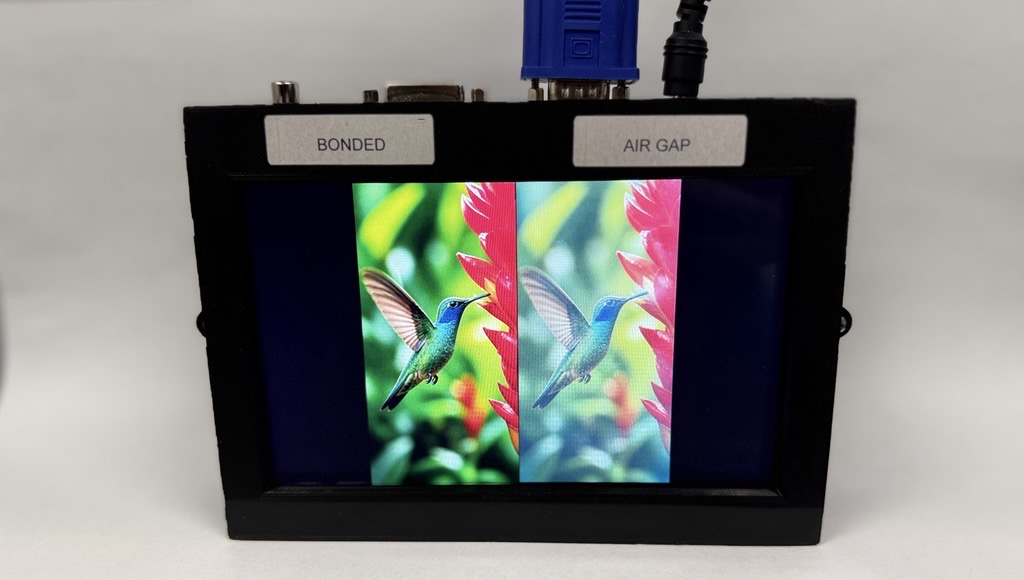
Get the readability from the optics first and from the backlight second. Optical bonding removes the air gap between the panel and the touchscreen or cover glass, and with it the internal reflections that wash out the image in direct sun. In our own sunlight testing, a 600-nit bonded display had higher contrast than a 1,000-nit display with an air gap. A bonded display can reach the same readability with a less powerful backlight, which means less power drawn and less heat to remove. Bonding also improves heat transfer through the front glass by up to a factor of eight.
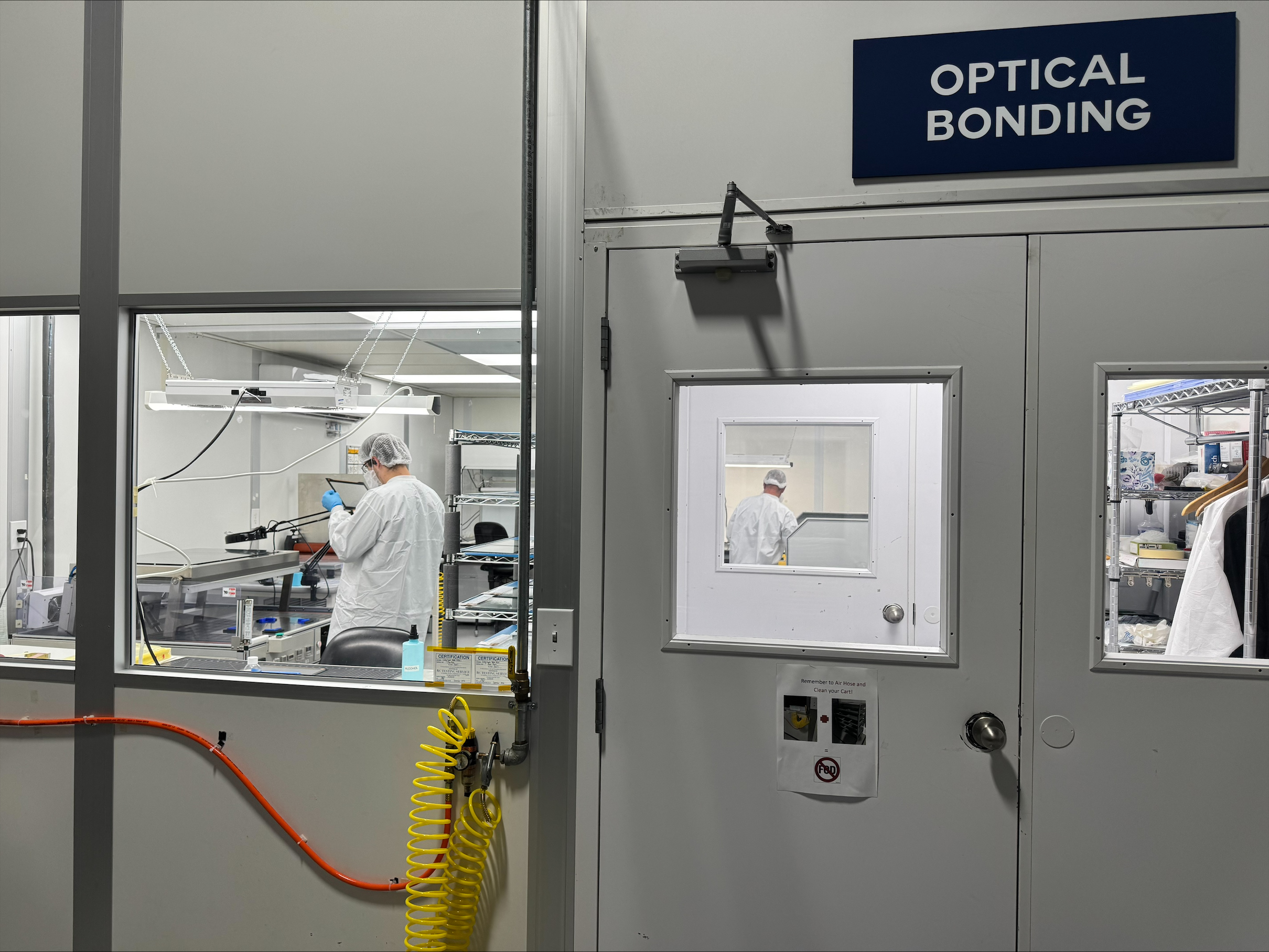
VacuBond®, our optical bonding process, runs in-house in Ronkonkoma, New York. It laminates a ready-formed silicone OCA under vacuum, with no liquid adhesive. (Silicone OCA, acrylic OCA, and LOCA compared.) The other ways to keep a bright display cool:
- Dim to the light. With a brightness sensor, our TFT controllers dim the display to match the ambient light, which saves power and extends the backlight’s lifetime. Our IP6X monitors dim automatically according to ambient brightness. When an application genuinely needs high brightness, we enhance the backlight for it.
- Dim on temperature. A temperature sensor such as our IF 389, connected to our Prisma or Artista TFT controllers, lets the display dim automatically at high temperatures to bring the temperature down before overheating can damage it (the role of heat sensors in smart display systems).
- Use the sun rather than fight it. A transflective TFT display reflects ambient light back through the LCD, so its readability in direct sun comes from the sunlight itself, with the backlight for low light.
How do you cool an embedded computer in a sealed enclosure?
With a fanless design that conducts its heat out through the housing. Fans add moving parts that need maintenance and can draw dust into a system (embedded PCs vs. consumer PCs), and in a sealed enclosure there is no outside air for them to bring in. In a fanless design, heat travels from the processor through thermal interface materials, such as thermal pads, into a heat sink or the housing. The ROCK-301, one of the rugged box PCs we offer, is fanless, sealed to IP65, and rated to operate from -40°C to +71°C.
When comparing computers, read the conditions behind a temperature rating as well as the numbers:
- The system rating, not the board rating. Our own SBCPRO-X51 single board computer is rated -20°C to +80°C. Built into the complete BPCPRO-X51 box PC, the rated range is -20°C to +70°C. The range that counts is the one for the product as it will be built.
- Airflow assumptions. The fanless CSB200-818 box PC is rated -30°C to +65°C with airflow. Inside a sealed cabinet with still air, that margin has to be checked rather than assumed.
- Peripherals. The ROCK-301’s range applies with extended-temperature peripherals, so storage, memory, and expansion modules have to be specified to the same range, or they set the limit.
Many of the single board computers and computer-on-modules in our embedded solutions catalog are rated -40°C to +85°C. The power supply shares the same thermal budget: it produces heat of its own and has its own rated range, so we specify it together with the computer and the display rather than after them.
Does low temperature damage an LCD?
No, not within its rated operating range, but it slows down. The TX26D206VM0BAA datasheet notes that at significantly low temperatures the response time is slower than at 25°C, and at high temperatures the colors look slightly darker and bluer, and that neither causes permanent damage within the operating temperature. For a cold start, the questions are how cold the product will be when it is switched on, whether the image has to be usable straight away, and whether every part of the assembly, not only the panel, is rated to operate at that temperature.
Temperature changes bring a second risk. When a cold unit warms up, moisture can condense inside it, and an air gap behind the cover glass is where a display fogs. Optical bonding fills that gap, so there is nowhere for condensation to form in front of the image. VacuBond units have passed these tests in customers’ own test laboratories: temperature cycling to IEC 60068-2-14, 100 cycles between -40°C and +80°C, and 504 hours each at -40°C and +80°C to IEC 60068-2.
What should be decided at the design stage?
The temperature questions, before anything else is chosen. When we scope a display assembly or an embedded computer for a temperature range, we ask:
- What are the lowest and highest ambient temperatures, and will the product sit in direct sun?
- Is the enclosure sealed, and what else inside it produces heat: a computer, a power supply, a high-brightness backlight?
- How bright does the display need to be, and when?
- How cold will it be when it is switched on, and how quickly must it be usable?
- Will it be stored or shipped through temperatures outside its operating range?
- How many units, and for how many years?
From the answers, we specify the panel, bonding, backlight, computer, and power supply against the temperature they will actually see inside the finished product. These questions apply from Industrial machine HMIs to outdoor kiosks and EV charging stations, and those are examples, not limits. We design into whatever context the product requires.
We are not a distributor. We design and manufacture display assemblies in Ronkonkoma, and display, embedded, and power expertise sit under one roof at FORTEC, so one engineering team is accountable for the whole thermal design. Behind us is the FORTEC Group, with the capacity to take one customized design into volume.
Designing for a temperature range?
Tell us where it has to work, and we will take it from there. We recommend the right combination of display, computer, and power for the temperature range, handle the integration and the sourcing, and stay with the project from first samples to series production. We also manage obsolescence for the life of the product: when a part in an assembly receives an end-of-life notice, we tell customers early and plan the next step with them, whether that is a last-time buy to cover the remaining builds or qualifying a replacement before supply runs out. Get in touch about your project.
Related: Common Display Challenges in Industrial Environments
Which Optical Bonding Material Is Best: Silicone OCA, Acrylic OCA, or LOCA?
October 15, 2026
How Do You Design a Display for Harsh Environments?
October 12, 2026
How to Choose an Edge AI Computer for a Medical Device
September 29, 2026
Embedded PCs vs. Consumer PCs: What’s the Difference?
August 31, 2026

How Hover Touch Technology Can Improve Industrial Interfaces
August 31, 2026
The Real Cost of Choosing the Wrong Display for an Industrial Product
August 28, 2026