
Back to Blog

How Do You Design a Display Operators Can Read All Shift? Glare, Brightness, and Eye Strain
June 7, 2021
A display stays readable for a full shift when its assembly is designed for the light it works in: optical bonding to remove internal reflections, anti-glare or anti-reflective cover glass for the surface, a backlight bright enough for the brightest hour and able to dim for the darkest, and a viewing angle that suits where the operator stands. In a control room, under surgical lighting, or in a vehicle that goes from full sun to night, display glare and poor brightness become the operator’s problem, and every fix is a design decision made long before the first unit ships.
What makes a display hard to read over a long shift?
Usually the light around it. Three things account for most of it: reflections, both on the surface and inside the stack; brightness that does not match the room; and an image that changes when it is seen off-axis. Each one is set by a choice in the display assembly, meaning the panel, optical bonding, touchscreen, cover glass, mechanical enclosure, seals, cables, and connectors. The display is the operator’s main window into the system, which is why our post on how display technology strengthens human-machine interaction covers brightness, glare, and optical bonding alongside touch.
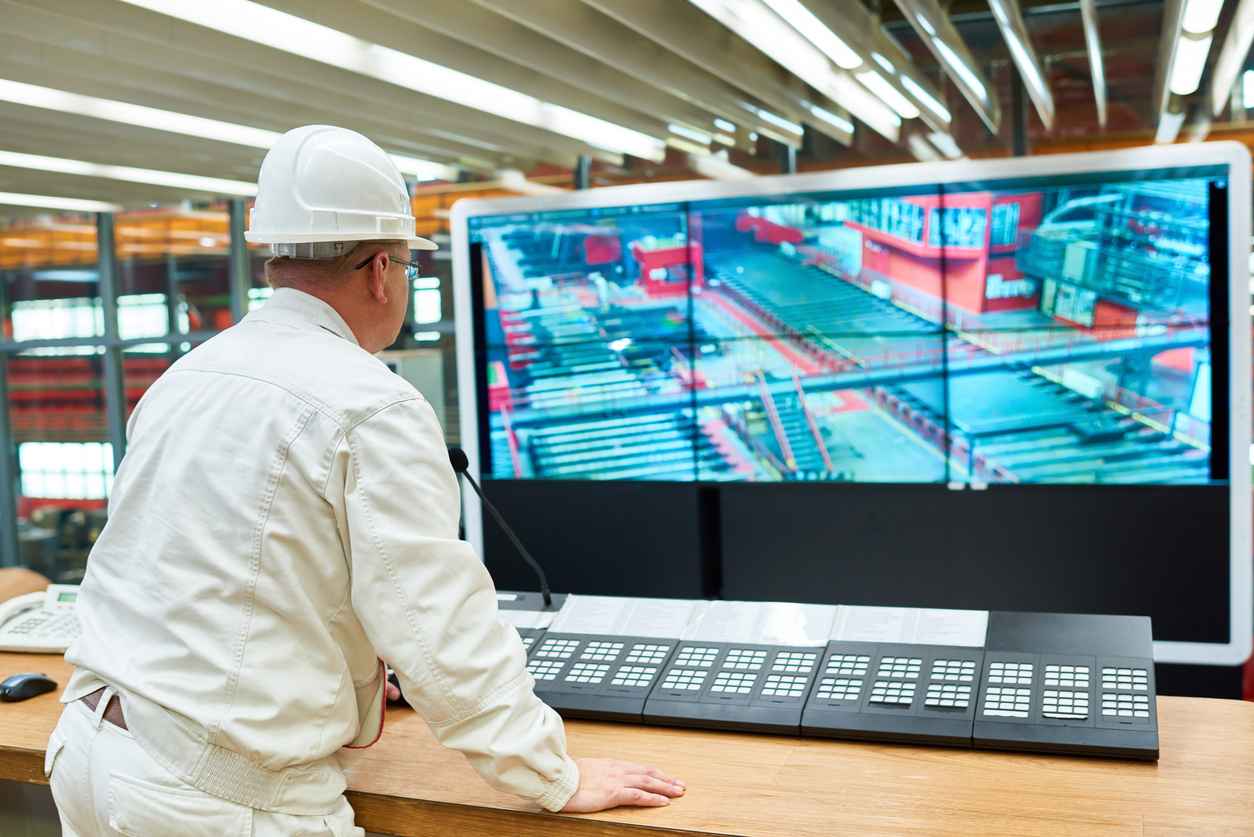
The conditions differ by sector. In Medical design, surgical and operating room equipment needs high-brightness, glare-controlled displays for lit rooms. In Industrial production halls, high ambient brightness can make a display of normal brightness look dark and faded. Defense platforms need a backlight selected for the required brightness and dimming range. These are examples, not limits: we design for whatever light the product has to work in.
How does optical bonding reduce display glare?
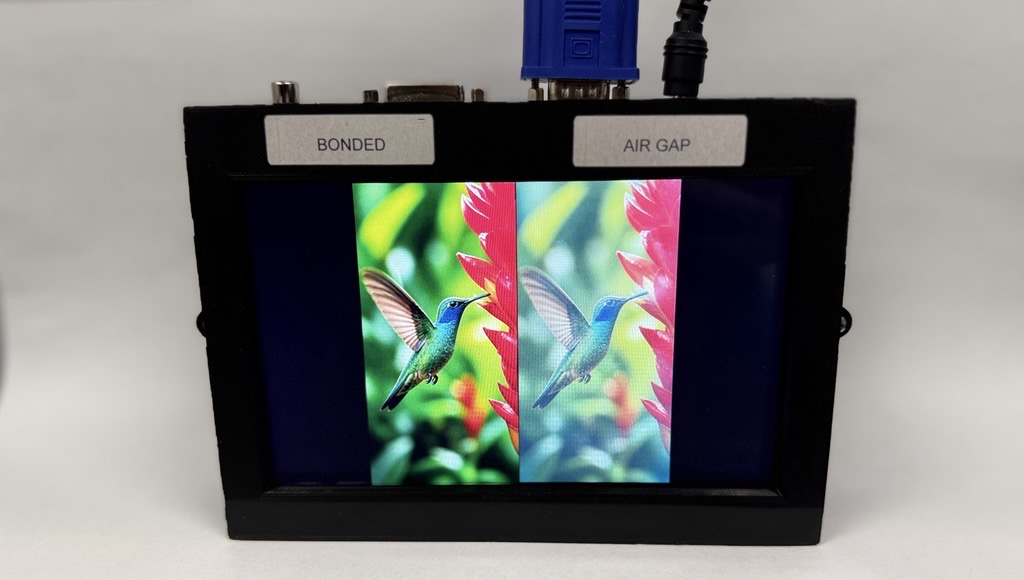
It removes the air gap between the panel and the cover glass or touchscreen, and with it the internal reflections that wash out contrast. An air gap leaves two extra glass surfaces inside the stack, each reflecting ambient light back at the viewer. Filling the gap with an optically clear material removes them, so the display keeps its contrast in bright light. In our own sunlight testing, a 600-nit bonded display showed higher contrast under direct sunlight than a 1,000-nit display with an air gap. Bonding improves readability without increasing power consumption, which is why we treat it as part of the brightness specification rather than an add-on.
We bond in house in Ronkonkoma, New York, with VacuBond® optical bonding, a dry vacuum process using silicone OCA, which does not yellow. Our posts on what optical bonding is and why it matters and the top five benefits of optical bonding cover the process and its other gains, from fogging to shock resistance.
Anti-glare vs anti-reflective glass: which does a display need?
It depends on the light the display faces, and either one works alongside optical bonding. Anti-glare glass has a textured surface that scatters reflected light, so a lamp or a window no longer shows as a sharp image on the screen. Anti-reflective glass carries a coating that reduces how much light the surface reflects in the first place. Neither treatment reaches the reflections inside an unbonded stack, so surface treatment and bonding are specified together. A bonded stack can also carry an anti-fingerprint film where the application calls for it. Our ASM43UHB, a 43-inch monitor, is one example: optically bonded, with anti-glare safety glass.
Anti-glare coatings, high brightness, wide viewing angles, and optical bonding are among the features covered in how industrial monitors differ from consumer displays.
How many nits does a sunlight-readable display need?
There is no single figure, because readability in sunlight depends on reflections as much as on the backlight, as the bonded and air-gap test above shows. High-brightness TFT displays combine a powerful LED backlight with a special polarizer to keep contrast in direct sunlight, and through backlight enhancement we design backlights brighter than the panel maker offers when an application needs it. The IP6X 10.1 HB Touch is one of many options: a sealed monitor specified at 1,500 cd/m², with a 170° viewing angle horizontally and vertically and automatic dimming to ambient light.
A very bright backlight draws relatively high power, which the power supply design has to allow for. Where power is tight, transflective TFT displays reflect ambient light back through the panel, so sunlight improves readability instead of fighting it.
Why does the dimming range matter as much as peak brightness?
Because a display that has to compete with the sun at noon may be read in a dark room or a dark cab hours later, and a backlight that cannot dim far enough glares at the operator. In 24/7 operation, our backlight designs dim at night to prevent blinding. The LED driver sets how far down the backlight can go: the SmartLED-IIIB, one of our SmartLED converters, offers a dimming range of up to 1:10,000, depending on PWM frequency, and uses PWM dimming to keep color temperature stable as brightness changes.
Brightness can also follow the room automatically. Our IF440 light sensor detects ambient light the way the human eye does, across 0.01 to 18,000 lux, and our Prisma and Artista TFT controllers adjust the backlight to match. That avoids the eye strain caused by a display that is too bright or too dark for the room, and keeps backlight power to the minimum readability needs. For defense platforms used with night vision, we supply NVIS-capable displays, with dual-mode backlights among our NVIS solutions.
Does viewing angle matter if the operator sits in front of the display?
Yes, because operators rarely stay directly in front of it. A control room screen is read from the next console, a surgical display by a team standing around the table, and a vehicle display from the driver’s seat at whatever angle the mounting allows, so the viewing angle should be specified for where people actually are. On a touch display, bonding also reduces parallax, the apparent shift between the point touched on the glass and the image beneath it as the viewing angle changes.
Why settle readability at the design stage?
Because each fix above lives in a different part of the assembly. The bond and cover glass are chosen with the touchscreen and the enclosure, the backlight and its driver with the power budget, and the light sensor with the controller and the computer behind it. Changing any one of them after the enclosure is tooled can mean a redesign. We are not a distributor: we design and manufacture in Ronkonkoma, and display, embedded, and power expertise sit under one roof at FORTEC, so one engineering team is accountable for the whole assembly.
Tell us where the display has to work and who has to read it, and we will take it from there. We recommend the right combination of display, computer, and power, handle the integration and the sourcing through the FORTEC Group supply network, and stay with the project from first samples to series production. When a part receives an end-of-life notice, we tell you early and plan with you: a last-time buy to cover remaining builds, or qualifying a replacement before supply runs out. Our obsolescence management covers what is already deployed.
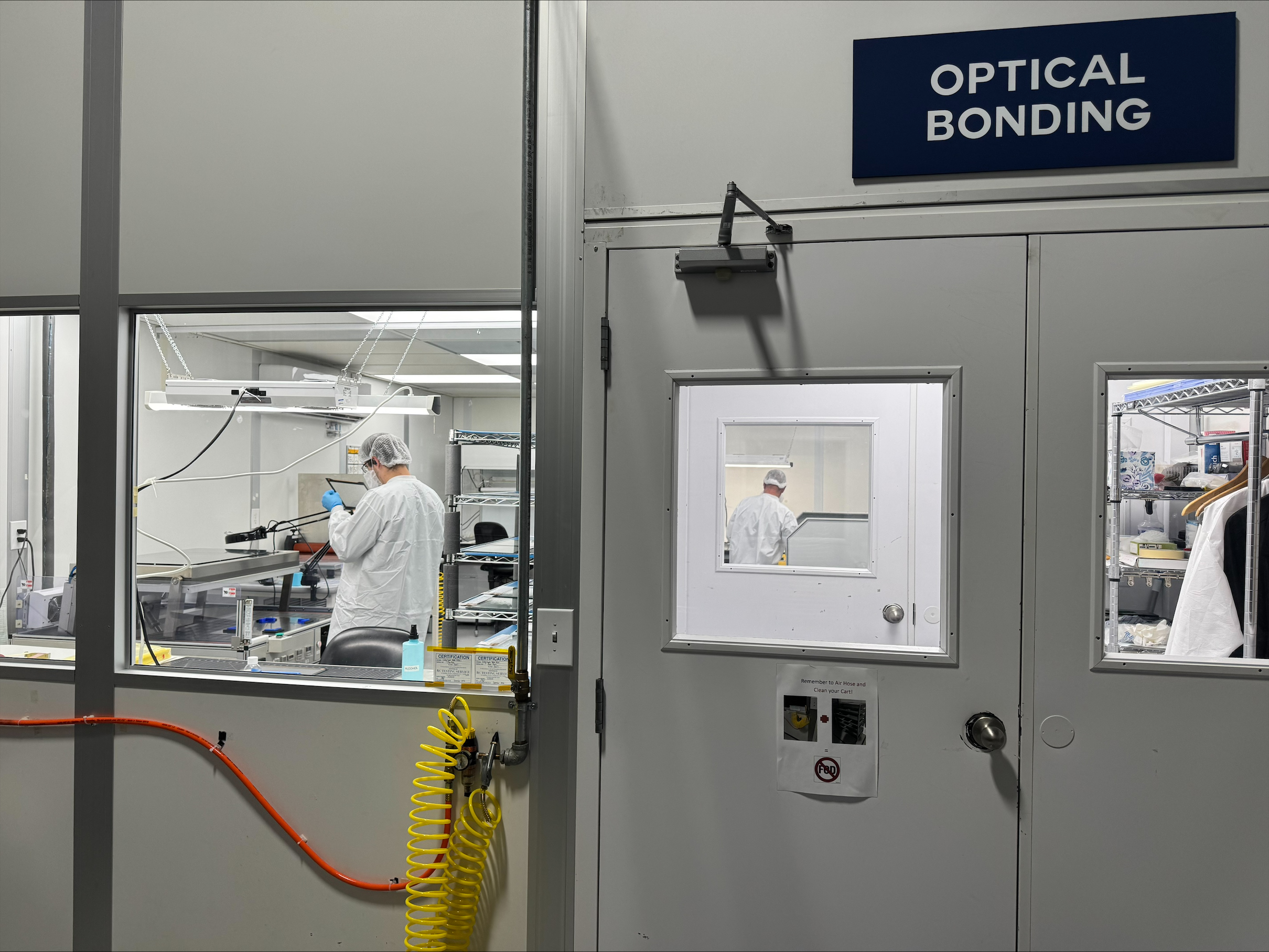
Which Optical Bonding Material Is Best: Silicone OCA, Acrylic OCA, or LOCA?
October 15, 2026
How Do You Design a Display for Harsh Environments?
October 12, 2026
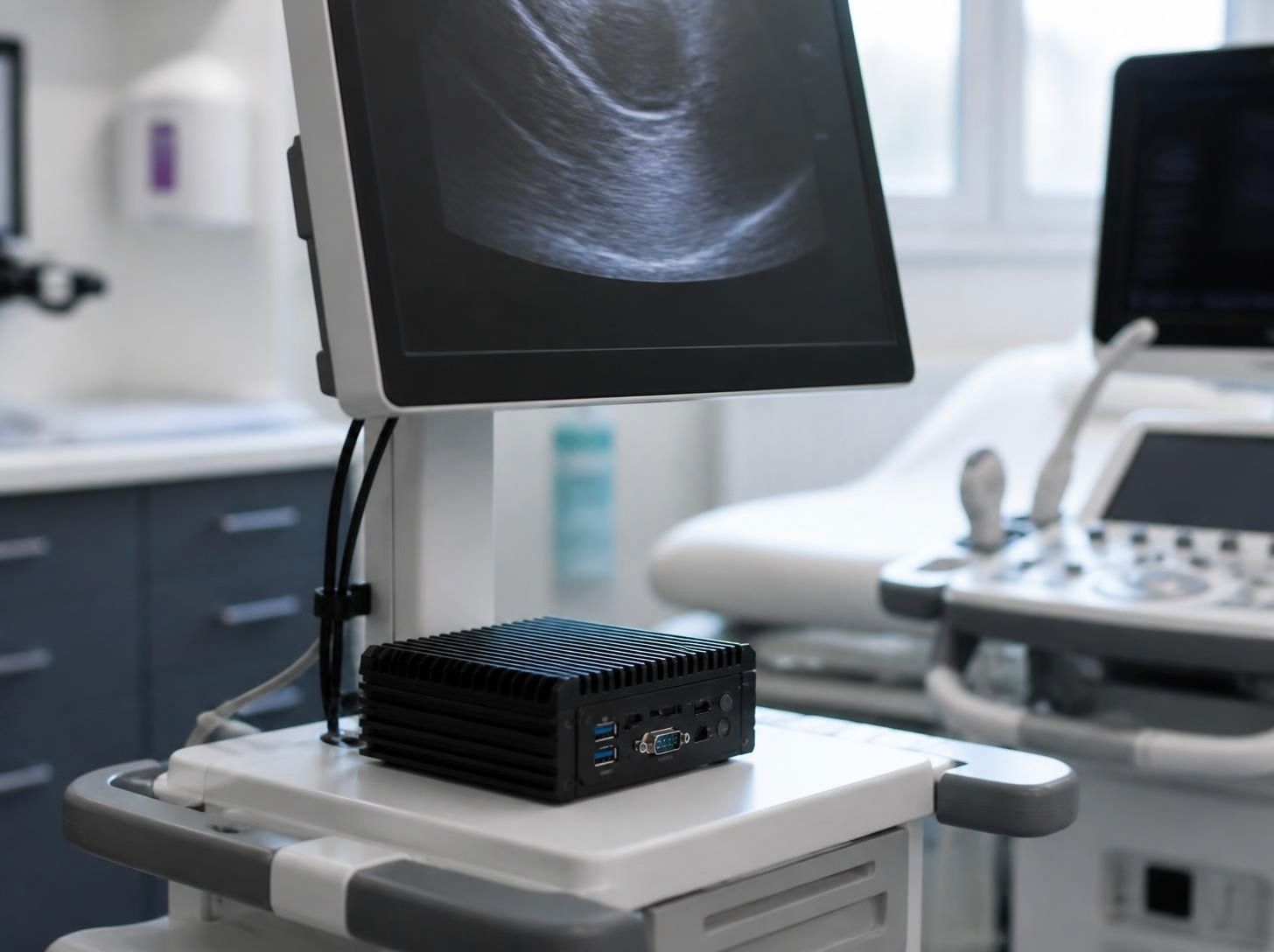
How to Choose an Edge AI Computer for a Medical Device
September 29, 2026
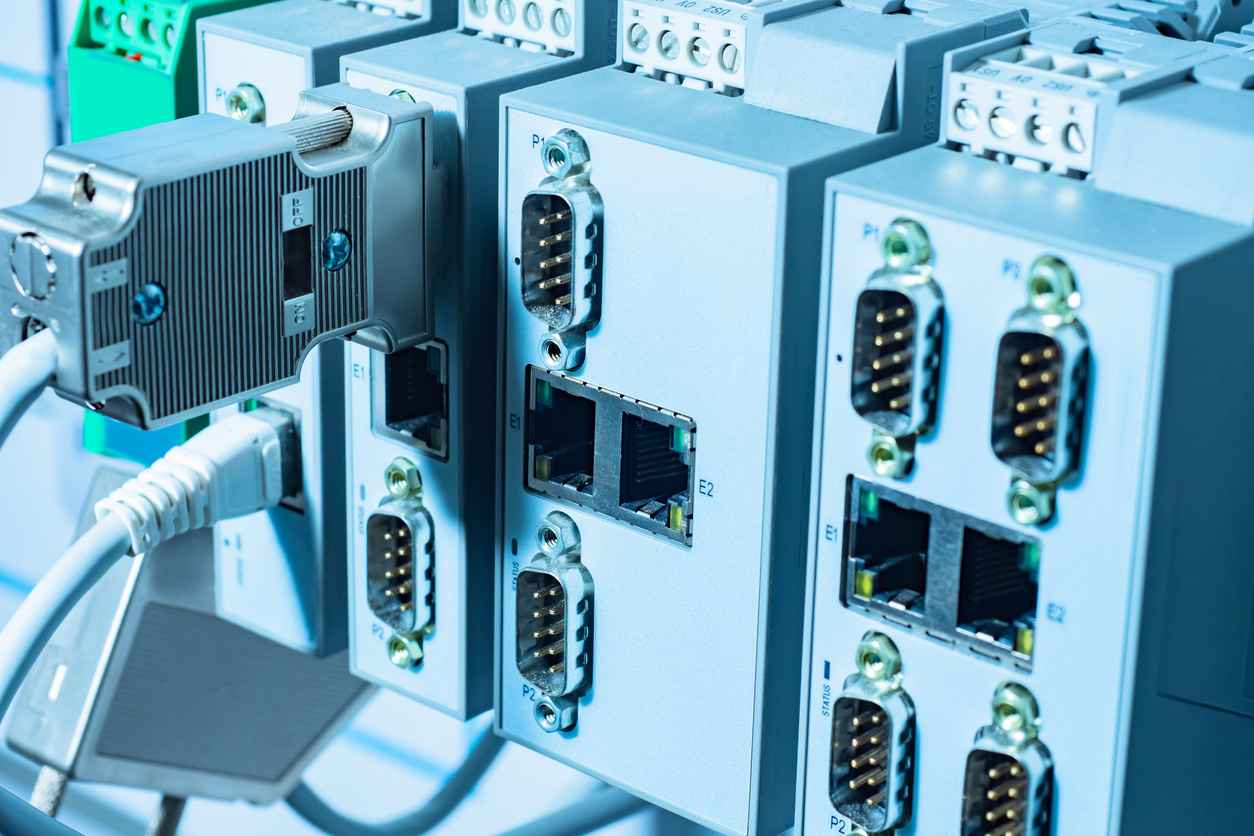
Embedded PCs vs. Consumer PCs: What’s the Difference?
August 31, 2026

How Hover Touch Technology Can Improve Industrial Interfaces
August 31, 2026
The Real Cost of Choosing the Wrong Display for an Industrial Product
August 28, 2026