How Do You Show Web Content or Video on a Networked Monitor Without a PC?
August 5, 2018
To show web content or video on a networked monitor without a PC, the player is built into the monitor itself. Our WebPoster displays a preconfigured web page full screen as soon as the monitor is switched on, and our VideoPoster plays video and image playlists. Both run on ArtistaMedia controller boards developed in-house in the FORTEC Group, are set up through a web browser over the network, and need no further administration or operation once installed. We supply monitors with either player from Ronkonkoma, New York, and integrate them into our customers’ installations.
What is WebPoster?
WebPoster is an industrial HTML player that turns a monitor into a dedicated web display. After power-on the monitor shows the web page it was configured for, in kiosk mode, and stays there. Like any network device it is configured with a browser over LAN, and it can be switched off or disconnected from power at any time. That combination gives high availability without the running cost of maintaining a PC behind every screen, which is why it suits dashboards on production floors and in factories, as well as web-based information displays in public areas.
The first WEBPoster monitor, launched in 2014, used an embedded Linux PC on an AMD Ontario platform inside POS-Line monitors from 15 to 55 inches. Today’s version is WebPoster M3, built on the ArtistaMedia-IIIB board with a Raspberry Pi Compute Module CM3+ or CM4s. Manuals, firmware updates and release notes for both are on our WebPoster downloads page.
Which monitors come with WebPoster?
WebPoster M3 is offered across several of our industrial monitor lines, so the player can be matched to the size and environment:
- POS-Line monitors from 15 to 46 inches, including a 31.5-inch high-brightness portrait model. The POS-Line 15 WebPoster M3, for example, runs from -25 to +50°C (-13 to +122°F) and offers a TrueFlat glass front with IP65 protection when the customer seals the front to the wall or housing.
- POS-PRO IoT panels with an IP65 front, where WebPoster and VideoPoster are both software options, as on the POS-PRO IoT 10.1.
- Larger formats in the PLUS-Line, BLO-Line and Xtra-Line bar-type ranges.
What is VideoPoster, and is it still available?
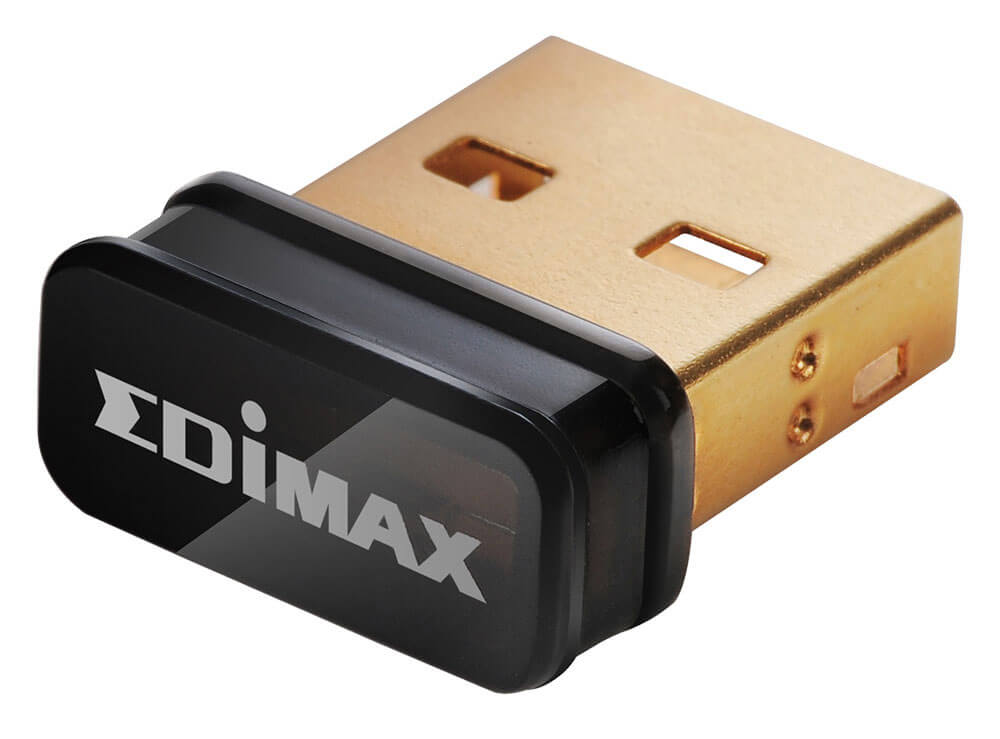
VideoPoster is our network-capable media player for full HD video and image playlists, and it remains available as a software option on POS-PRO IoT panels, while the dedicated POS-Line VideoPoster monitors are discontinued. It was moved onto the Artista-IoT hardware in 2018 as VideoPoster-IV, which added Wi-Fi through a USB WLAN adapter that connects from the web interface as soon as it is plugged in. On the network, VideoPoster synchronizes its clock via NTP, gives full access to its web interface for configuration and playlist uploads, and can be managed together with the other players in the network. With an optional motion sensor it switches on only when someone is there, which saves energy. Wi-Fi also means a monitor can run playlists in rooms with no LAN connection.
How do you choose between WebPoster and VideoPoster?
Choose WebPoster when the content already lives on a web page or dashboard and should update from the network, and VideoPoster when the content is a fixed set of videos and images played on a schedule. When neither fits, the same Artista hardware runs custom applications, described in what the Artista-IoT controller can do.
Tell us what the screens have to show and where they will hang, and we will take it from there. We recommend the monitor and player, configure them, and stay with the project from first samples to series production, backed by our technical services.