How Do You Design a Touchscreen That Survives Cleaning and Disinfectants?
April 5, 2023
Cleaning a touchscreen with disinfectant, again and again over its service life, is routine on medical devices, food-processing equipment, and public-use terminals. A touchscreen survives that cleaning when the display assembly is designed for it: a cover glass chosen for the agents used on it, optical bonding that leaves no gap for fluid to reach, touch configured for liquid and gloves on the glass, and a sealed front. These are design-stage decisions, and they are easiest to get right before the enclosure is drawn.
What happens to a touchscreen that isn’t designed for cleaning?
The cleaning finds every part of the assembly that wasn’t chosen for it. Fluid wiped or sprayed onto the glass runs to the edges and can seep past an unsealed bezel into the assembly. Moisture and dust that get behind the cover glass of an unbonded display collect in the air gap, where they cloud the image. Abrasive or harsh cleaners scratch or discolor a front surface that wasn’t specified for them, and a touch controller that isn’t configured for liquid on the glass can misread a wet screen.
Many of our customers first came to us after a display assembly from elsewhere failed in the field, with fogging, touch dropouts, or intermittent faults nobody could reproduce. Specifying for the cleaning from the start avoids that.
Which cover glass stands up to repeated disinfecting?
Glass chosen for the cleaning agents the device’s instructions will specify. The cover glass is the surface that gets wiped, so the cleaning agents belong in the specification, alongside impact and optics. We supply chemically resistant cover glass and protective glass in many designs, and we make custom glass to the device’s requirements. A glass front is also scratch-resistant, which is one reason PCAP touch, with its glass surface, suits hygienically sensitive equipment.
Where the surface itself should work against bacteria, our antibacterial film for touchscreens keeps the display clear and responsive while allowing easy, thorough cleaning and disinfection. Qualifying the exact agents and cycle stays with the device maker, on samples tested in the device itself, and we supply those samples and build the assembly around the result.
How does optical bonding keep fluid and dust out of a touchscreen?
It removes the air gap. An unbonded assembly leaves a gap between the display, the touchscreen, and the cover glass. Optical bonding fills it with an optically clear adhesive, so there is no space between the layers for fluid or dust to get into, and nothing to fog or condense behind the glass.
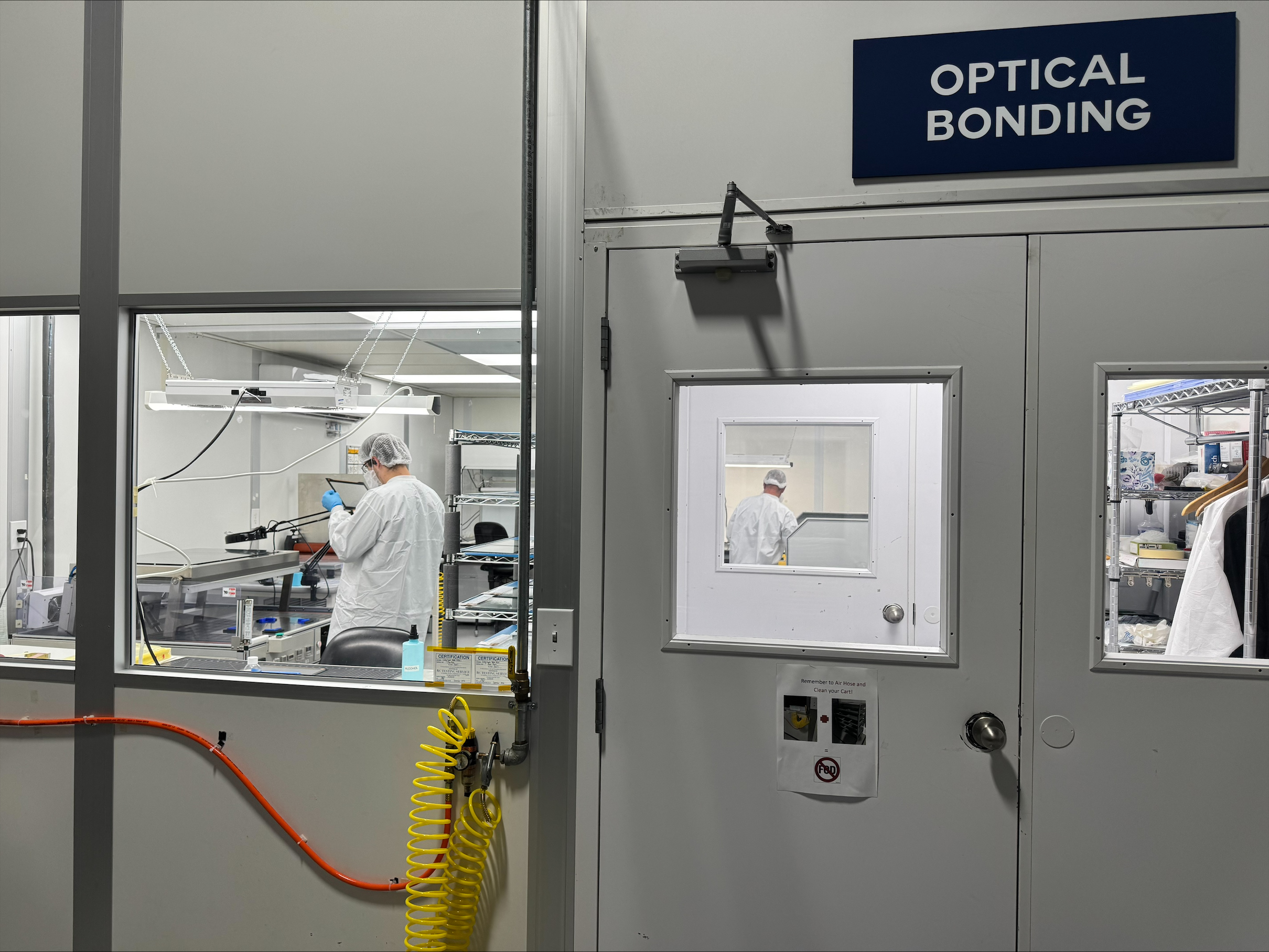
Our VacuBond® technology is a dry process: a ready-formed sheet of silicone OCA is laminated under vacuum, so there is no liquid adhesive to leak into the panel edges or the backlight. We bond in house, in the clean room at our Ronkonkoma facility.
For OEM designs, our PCAP sensor is a foil rather than a separate touch glass. The foil is laminated to the back of the cover glass. Dropping a layer gives a thinner build and better optics, and once the stack is bonded there is one solid assembly behind the surface that gets cleaned. The benefits of optical bonding go further than keeping fluid out, from fewer reflections to better impact resistance.
Can a touchscreen work with water, gloves, and disinfectant on the glass?
Yes, when the touch technology and its controller are configured for it. We configure resistive or PCAP touch for requirements including gloves, saltwater, and blood exposure, so a screen that is wet from use or from cleaning keeps responding to the operator.
PCAP, by far the most common touch technology, senses a finger through the cover glass as a change in capacitance. Conductive liquids such as saltwater and blood change it too, which is why PCAP touch is set up for the liquids it will meet. Resistive touch responds to pressure, so it works with any object, including thick gloves. A glass/glass resistive construction adds a hard front for gloved use and cleaning. We explain how PCAP and resistive touchscreens work in more detail.
The setup depends on three answers: the liquids on the glass in use, the agents used to clean it, and whether operators wear gloves.
What sealing does a touchscreen need to be cleaned down?
A sealed, IP-rated front, at a level set by how the device is cleaned. We offer IP65-rated options for devices that are cleaned down, meaning dust-tight and protected against water jets from any direction. Food-processing equipment that sees high-pressure washdown pushes the specification toward IP69K, which is defined in ISO 20653 rather than IEC 60529.
Where the seal sits matters as much as its rating. A panel-mount assembly with a front seal relies on the cabinet behind it, while one sealed all round has to protect its own rear, including every cable entry. We cover IP ratings, enclosures, and connectors in designing a display for harsh environments.
How should you clean a touchscreen?
With the agents and method the device maker has qualified and written into its instructions. General practice for any touchscreen:
- Turn the display off or lock touch input first, so wiping doesn’t register as input.
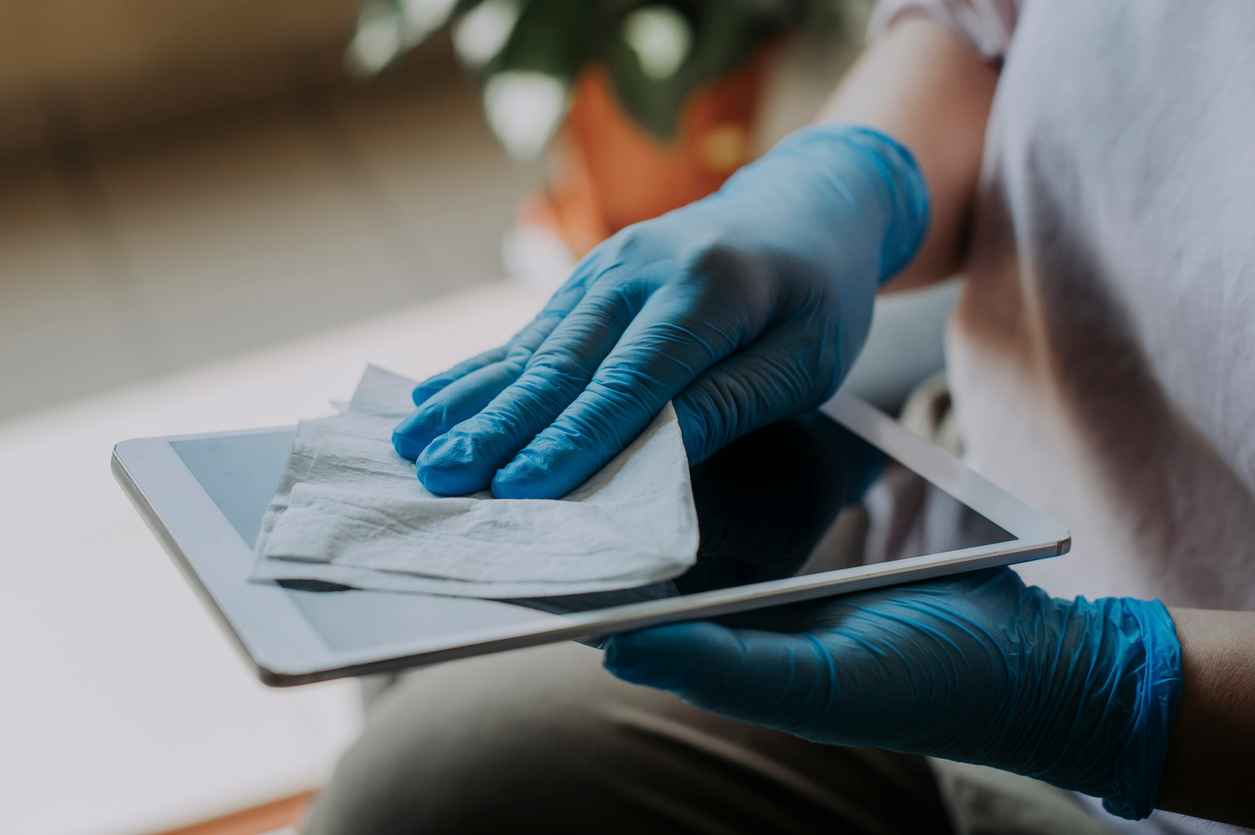
- Apply the cleaner to a soft, lint-free cloth such as microfiber, not to the screen, so liquid doesn’t run to the edges.
- Avoid paper towels, tissues, and abrasive pads, which leave fine scratches that build up over time.
- Avoid ammonia-based glass cleaners, which can damage and discolor the screen.
- Wipe with light pressure, and let the screen dry before it goes back into use.
An assembly designed for its cleaning doesn’t depend on every operator following that list perfectly.
Which equipment needs a touchscreen designed for cleaning?
Any device that is cleaned more often, or more aggressively, than an office screen. Three common cases:
- Medical devices: repeated disinfection, gloved hands, and contact with saltwater and blood. Cleanable surfaces, glove-compatible touch, and bonding specified to the device are what we bring to Medical displays, panel PCs, and embedded systems. We support five of the world’s top ten medical device manufacturers.
- Food-processing equipment: high-pressure washdown, so sealing comes first, with the cover glass and touch chosen for a wet front.
- Public-use terminals such as kiosks, ticket machines, and ATMs: frequent cleaning between users, and impact from the public. Antibacterial film suits them, and at The Car Wash Show 2026 we hammer-tested an IK10-rated, VacuBond-bonded 22-inch touch monitor live at our booth, and we show touch working with water on the glass.
These are examples, not limits. We design the assembly into whatever setting the product requires, and the FORTEC Group gives one design the capacity to scale into volume.
Designing a touchscreen that will be cleaned every day?
Tell us where it has to work and how it will be cleaned, and we will take it from there. We are not a distributor: we design and manufacture display assemblies in Ronkonkoma, New York. Display, embedded, and power expertise sit under one roof, so one engineering team is accountable for the whole assembly. We recommend the cover glass, bonding, touch, and sealing, integrate the display with the computer and power behind it, source the parts, and stay with the project from first samples to series production through our technical services.
When a part in the assembly receives an EOL notice, we tell you early and plan with you: a last-time buy to cover remaining builds, or qualifying a replacement before supply runs out. That is our obsolescence management. Get in touch about your design.
Which PCAP Touchscreen Construction Fits Your Design: Glass/Glass, Glass/Film, or Film/Film?
November 4, 2026
Which Industries Does FORTEC US Serve?
November 3, 2026
Bringing AI to the Point of Care: Does Your Next Medical Device Need an NPU?
November 2, 2026
What Does the FORTEC Group Mean for US Customers?
October 30, 2026
Is FORTEC US a Distributor? What a Value-Added Display Supplier Does
October 29, 2026
Who Is FORTEC US?
October 28, 2026