Back to News Feed
What Is a Refreshable Braille Display, and Who Needs One?
May 6, 2025
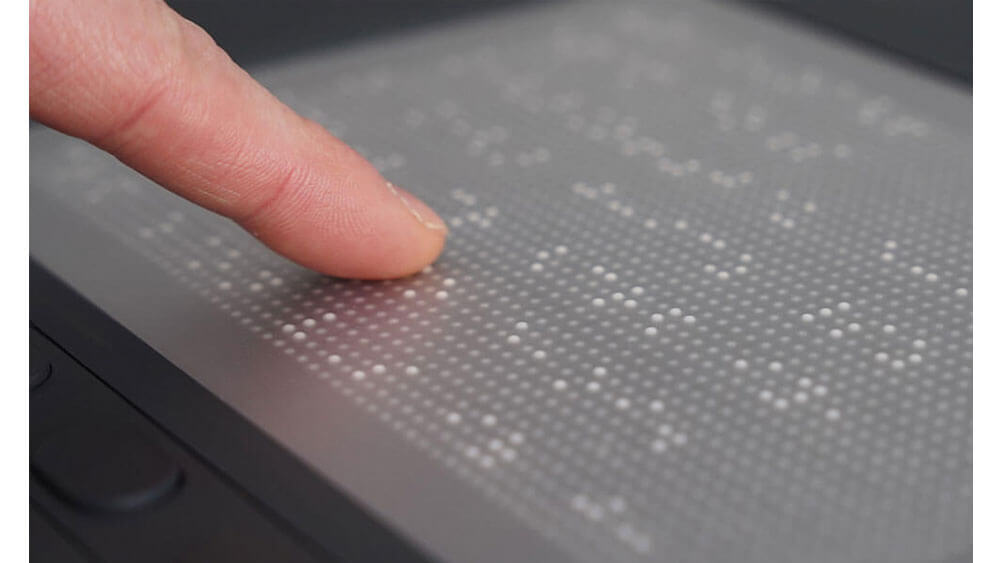
A refreshable Braille display raises and lowers small pins to present digital content to touch, so a visually impaired user can read what a screen shows. Many render only text. The Braille Monitor goes further: 2,400 dynamic pins form tactile representations of complex graphics, alongside a Braille line for text. It is needed wherever a product, a workplace or a public service has to make maps, diagrams or web pages accessible to people who cannot see them, and we can design it into those systems.
How does a graphical Braille display work?
It turns visual content into a tactile picture. For many visually impaired users, maps, diagrams and websites remain only partly accessible, because a text line cannot carry a shape. On the Braille Monitor, artificial intelligence analyzes the visual content automatically and translates it into tactile graphics on the pin matrix. Users do not only feel the content: they can zoom, pan and rotate it to explore finer details, which makes it real interaction with digital information through touch.
How does it connect to existing systems?
Through standard interfaces and the screen reader software users already have. USB-C and Bluetooth Low Energy 5.0 connect it quickly to PCs, tablets and mobile devices. Native support for screen reader software, including VoiceOver through the AxBrailleMap API, makes it compatible with current applications from the start, so integrating it does not mean rewriting the software around it.
Who needs a Braille display in their product?
Builders of systems for education, professional environments and public services, and anyone whose product must give visually impaired users access to digital information. Regulation is pushing in the same direction: 2025 brought the European Accessibility Act and Germany’s Accessibility Strengthening Act, which set new standards for access to digital products and services. For a US OEM whose equipment is also sold in Europe, accessibility is worth settling at the design stage rather than after launch.
These applications are examples, not limits. For specific requirements, customized Braille matrix formats are available that can be embedded directly into a tailored solution, so the tactile display fits the device rather than sitting beside it. Our sister companies in the FORTEC Group give us both deep customization on one design and the capacity to scale it into volume.
How do we help integrate it?
As one part of a complete system. A Braille display in a kiosk, terminal or workstation sits next to a visual display, a computer and a power supply, and display, embedded and power expertise sit under one roof at FORTEC, so one engineering team is accountable for the whole assembly. If the same product needs a visual touchscreen, our guide to the benefits of touchscreen integrated displays covers that side, and our technical services take a design from first samples to series production.
Tell us who will use your product and where it has to work, and we will take it from there. We recommend the right combination of tactile display, visual display, computer and power, handle the integration and the sourcing, and stay with the project from first samples to series production. Contact FORTEC US.