
Back to Blog
How Do You Make an Optically Bonded Display Last?
June 6, 2023
An optically bonded display lasts longest when its service life is designed in. The bonding, the cover glass, the seals, the heat path and the touch tuning are chosen for the place the display will work, and once it is deployed it needs little more than the right cleaning, a regular inspection and attention to heat. This post covers both: what to look after in the field, and what to decide before the first unit is built.
What shortens the lifespan of an LCD display in the field?
The conditions it works in: moisture, heat, direct sunlight, impact and vibration, usually several at once. Customers often come to us after displays have failed in the field with fogging, overheating, touch dropouts or intermittent faults nobody could reproduce. We find where each assembly is failing and redesign that part, but every one of those failures could have been designed out from the start.
How does optical bonding extend a display’s service life?
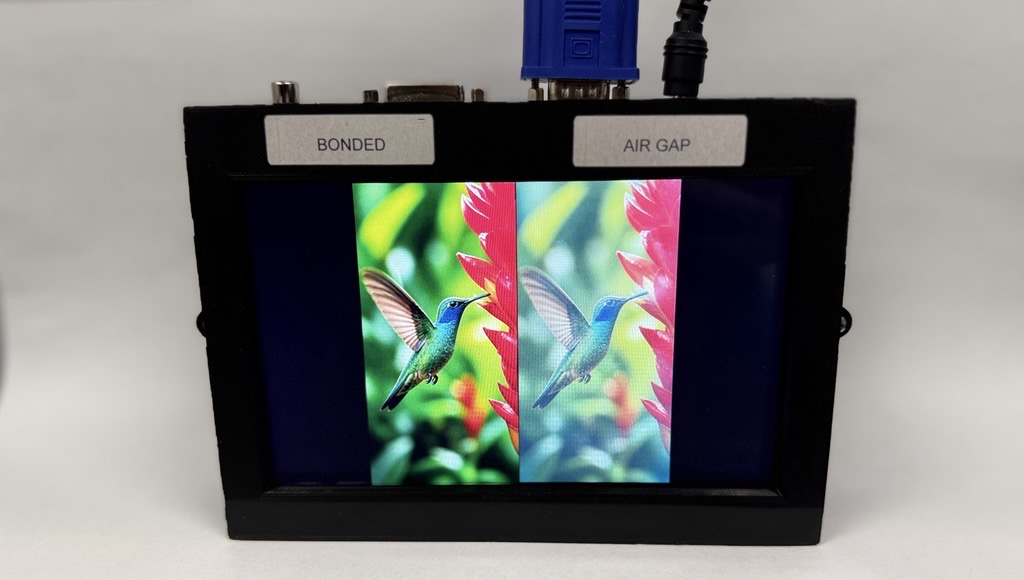
It removes the air gap between the panel and the touchscreen or cover glass, and with it several ways a display wears out:
- No condensation or dust between the layers. With no gap, there is nowhere for moisture to fog or for dirt to collect inside the display stack.
- Greater impact resistance. If the glass does break, the adhesive holds the larger pieces in place, and a safety film on top gives full shatter protection.
- Better heat transfer through the front glass, improved by up to a factor of eight.
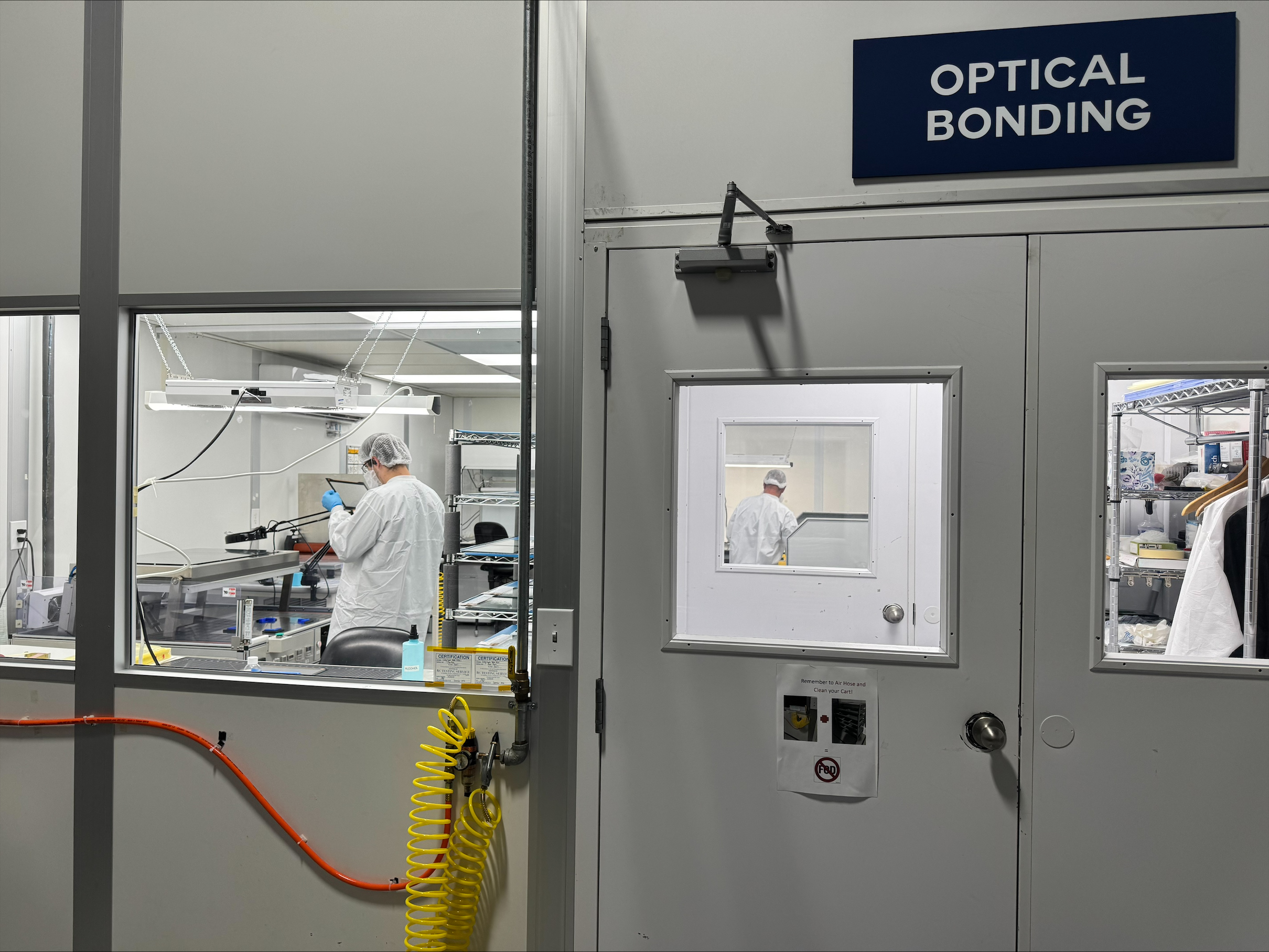
VacuBond®, our optical bonding process, runs in-house in Ronkonkoma, New York, on displays up to 32 inches with any touchscreen or cover glass. It bonds dry, laminating a ready-formed silicone OCA under vacuum, so there is no liquid adhesive to leak into the panel edges or backlight, and silicone OCA does not yellow with age. (Silicone OCA, acrylic OCA and LOCA compared.)
How do you protect a display from sun and heat?
Keep it readable without driving the backlight harder, and give its heat a way out. In our own sunlight testing, a 600-nit bonded display had higher contrast in direct sun than a 1,000-nit display with an air gap. Bonding delivers that readability at the same power consumption, while a brighter backlight draws more power and adds heat inside the enclosure.
- Match the brightness to the light. When an application does need high brightness, we design the backlight for it, typically for a 100,000-hour lifetime. A brightness sensor lets the TFT controller dim the display to the ambient light, which saves power and extends the backlight’s life.
- Watch the temperature. A temperature sensor such as our IF 389 measures the temperature inside the monitor, and connected to our Prisma or Artista TFT controllers it lets the display dim automatically at high temperatures, before overheating can damage it.
- Get the heat out of the enclosure. A sealed enclosure has no airflow, so heat leaves by conduction through the housing, and the housing material and design follow from the environment (how we design a display for harsh environments).
- Shade it where the installation allows. A hood, cover or awning that keeps direct sun off the display reduces the heat it has to shed.
How do you clean an optically bonded display?
Gently, and with the method agreed at the design stage. Wipe the surface with a microfiber cloth, and use a mild soap solution for stubborn marks. Avoid abrasive cleaners and pads, which scratch the surface, and take extra care with an anti-reflective front surface. Keep tools and sharp objects off the screen: the top film of a resistive touchscreen is easily damaged, and while PCAP cover glass is much more durable, scratches still degrade the image.
Where a display is cleaned with disinfectants or other chemicals, as Medical devices are, the cleaning agents belong in the specification, so the cover glass and any coatings are chosen with them in mind.
What should a field inspection of a display check?
The parts that let the environment in, and the early signs that the assembly is struggling:
- The cover glass, for chips, cracks and deep scratches. A small chip can grow into a larger break.
- Seals, gaskets and cable entries. Gaskets harden in the cold, and as an enclosure heats and cools it draws air, and the moisture in it, through any leak path.
- Mounting, connectors and cables: loose fasteners, connectors working loose under vibration, and cables wearing against an edge.
- Signs of overheating: a housing hot to the touch, fans running constantly, slowing performance, or sudden restarts and shutdowns.
- The image and the touch response. Cracks, black spots or touch dropouts in a display that worked at installation mean the assembly is not suited to where it is working, and it needs ruggedizing for that environment.
Can an optically bonded display be repaired?
Yes, when it is bonded with silicone OCA. A VacuBond bond is reversible, so we can re-bond a unit for repair without losing its expensive parts. How easily that goes depends on the components, whether their surfaces were activated, and how accessible the joint is.
What should be designed in from the start?
Everything above is easiest to get right before the first unit is built. When we scope a display assembly for a long service life, the questions that decide the design are:
- Where will it work, and what will it face: sun, heat, cold, water, dust, impact or vibration? That decides the bonding, the cover glass and its thickness, a safety film, and the sealing.
- How bright does it need to be, and where will its heat go?
- Will operators wear gloves, or will the screen get wet? PCAP touchscreens are calibrated at the factory, and gloved or wet use needs its own calibration.
- How will it be cleaned, and with what?
- How will it be mounted? A bonded display needs even support and isolation from the shock and vibration of whatever it is mounted to.
- How many units, and for how many years?
These apply from Industrial HMIs to outdoor kiosks and EV charging stations, and they are examples, not limits. We design into whatever context the product requires.
We are not a distributor. We design and manufacture display assemblies in Ronkonkoma, and display, embedded and power expertise sit under one roof at FORTEC, so when the assembly also needs an embedded computer or a power supply, one engineering team is accountable for all of it. Behind us is the FORTEC Group, with the capacity to take one customized design into volume.
Planning a display that has to last?
Tell us where it has to work, and we will take it from there. We recommend the panel, touchscreen, cover glass and bonding for the application, handle the integration and the sourcing, and stay with the project from first samples to series production. We also manage obsolescence for the life of the product: when a part in an assembly receives an end-of-life notice, we tell customers early and plan the next step with them, whether that is a last-time buy to cover the remaining builds or qualifying a replacement before supply runs out. Get in touch about your project.
Related: How Do You Design a Display for Harsh Environments? and Top Five Benefits of Optical Bonding
Which Optical Bonding Material Is Best: Silicone OCA, Acrylic OCA, or LOCA?
October 15, 2026
How Do You Design a Display for Harsh Environments?
October 12, 2026

How to Choose an Edge AI Computer for a Medical Device
September 29, 2026

Embedded PCs vs. Consumer PCs: What’s the Difference?
August 31, 2026

How Hover Touch Technology Can Improve Industrial Interfaces
August 31, 2026

The Real Cost of Choosing the Wrong Display for an Industrial Product
August 28, 2026