
Back to Blog
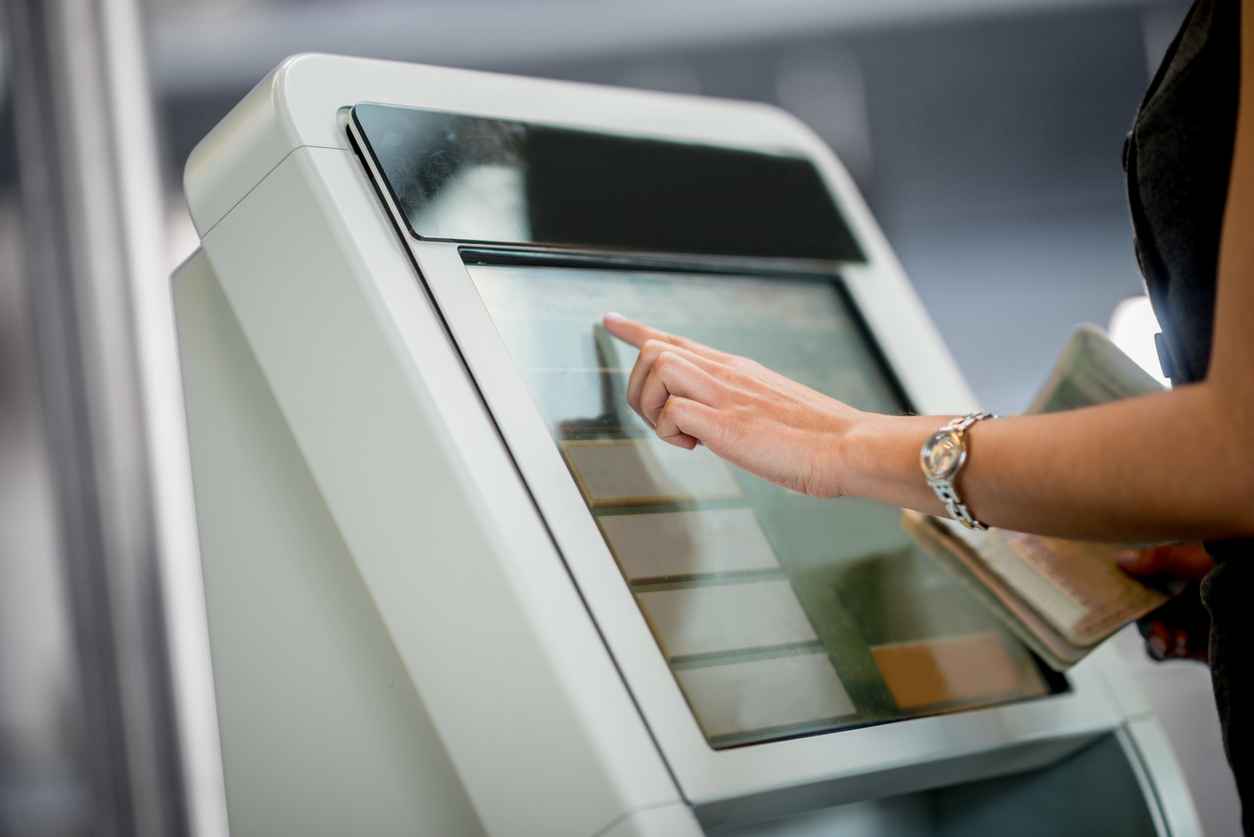
How Do You Choose a Kiosk Touch Screen Display?
August 30, 2023
Choosing a kiosk touch screen display comes down to four decisions made together: the touch technology, the optical bonding, the brightness, and a cover glass and housing that stand up to public use. We design and manufacture display assemblies in Ronkonkoma, New York, for the companies that build kiosks and self-checkout machines, and the sections below take those decisions one at a time.
What makes a kiosk display different from other displays?
The public uses it, often around the clock and often away from staff. Whether the terminal is a self-checkout machine, a ticketing or check-in kiosk, an ordering screen, or a wayfinding display, its display has to read clearly under store lighting, behind a shop window or in direct sun, respond to anyone who walks up, and take the knocks of daily handling for as long as the terminal is in production.
That puts every part of the display assembly in play: the panel, the optical bonding, the touchscreen, the cover glass, the mechanical enclosure, the seals, and the cables and connectors.
Which touchscreen technology works best for a kiosk?
Projected capacitive (PCAP), for most kiosks and self-checkout machines. It is by far the most common touch technology. A PCAP touchscreen senses touch through a grid of transparent conductors, usually indium tin oxide (ITO) or a copper mesh too fine to see, so nothing on the front has to bend. A resistive touchscreen registers a touch when pressure pushes two conductive layers together, and it handles only one touch at a time. (How projected capacitive and resistive touchscreens work.)
For OEM designs, our PCAP touchscreens use a touch foil instead of a separate touch glass. That removes a glass layer, for a thinner build and better optics. The cover glass can be cut to a custom shape and printed with the kiosk maker’s logo, so the terminal carries its brand on the front glass.
Why optically bond a kiosk display?
Because the air gap between the panel and the touchscreen or cover glass is where a kiosk display loses contrast, collects condensation and dust, and is weakest under impact. Optical bonding fills that gap with a clear adhesive and joins the layers into a single unit. For a public-use terminal, the benefits of optical bonding are:
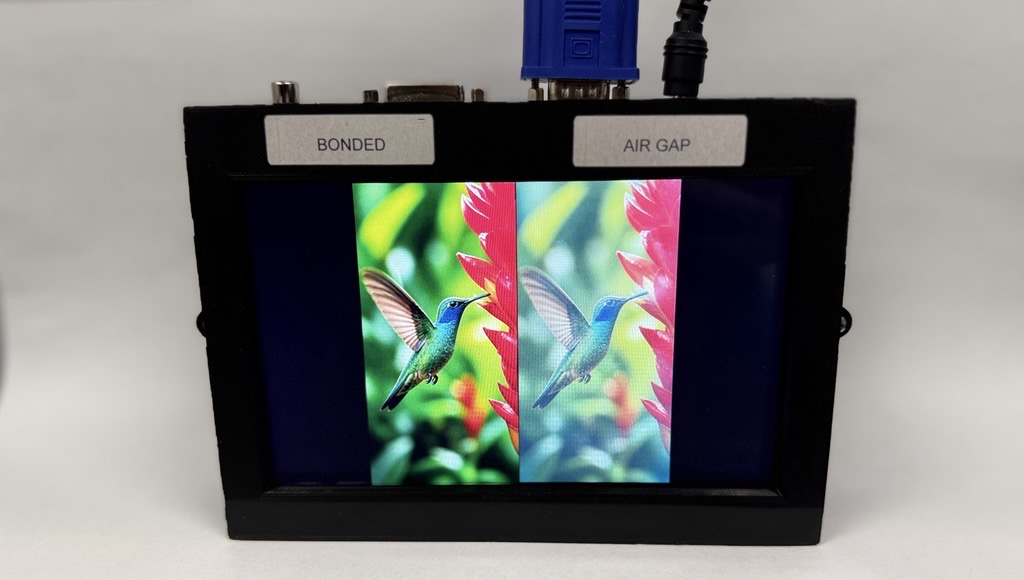
- Readability. With no air gap, internal reflections drop and contrast rises. In our own sunlight testing, a 600-nit bonded display showed higher contrast under direct sunlight than a 1,000-nit display with an air gap.
- No condensation or dust behind the glass. With the gap gone, moisture and dust have nowhere to collect, so the display does not fog.
- Impact resistance. Bonding adds impact resistance to the cover glass, so a thinner glass can be used where thickness or weight is critical.
- Safer breakage. If the glass does break, the adhesive holds the larger pieces in place. For full shatter protection, a safety film can be added on top.
- Touch accuracy. Bonding reduces parallax, the apparent shift between the point touched on the glass and the image beneath it as the viewing angle changes, which matters on a terminal that people of every height use standing up.
How bright does a kiosk display need to be?
Bright enough for the strongest light where the terminal stands, and bonded so that the light is not lost to reflections. In high ambient light, such as behind a shop window or outdoors in direct sun, a display of normal brightness looks dark and faded. The sunlight test above is why brightness and bonding are decided together: a bonded display can read better than an unbonded one with a brighter backlight.
Where a panel maker’s own brightness falls short, our engineers design high-brightness backlights to the specification, with a lifetime of typically 100,000 hours. A brighter backlight draws more power, so for a terminal that runs day and night we pair it with an ambient light sensor and our TFT controller boards, which dim the display to match the ambient light. That keeps it readable in the sun and keeps it from dazzling at night, saves electricity, and extends the backlight’s life. Transflective displays are another route to sunlight readability.
What cover glass and housing does a public-use kiosk need?
A cover glass chosen for the impact it has to survive, and a housing that holds the bonded display without stressing it, seals it, and gets its heat out. The cover glass gives the front its strength, and once it is bonded, it shares the load of an impact with everything behind it.
We supply displays with customized bezels or housings in plastic or metal, built either to the requirements of the device or to the customer’s own design, and we source every part from the front glass and touchscreen through the display to the metal frame, adhesives, and sealing tapes. Metal housings conduct heat out and shield against interference; plastic housings are lighter but hold heat in.
An outdoor kiosk adds direct sun, heat, cold, and weather to public handling, which calls for high brightness, optical bonding, impact-resistant cover glass, and sealing all round. Brightness also means heat there: a sealed enclosure has no airflow, so heat from the backlight, and from the sun on the housing, has to leave by conduction through the housing. (Designing a display for harsh environments.)
How does VacuBond® optical bonding fit a kiosk design?
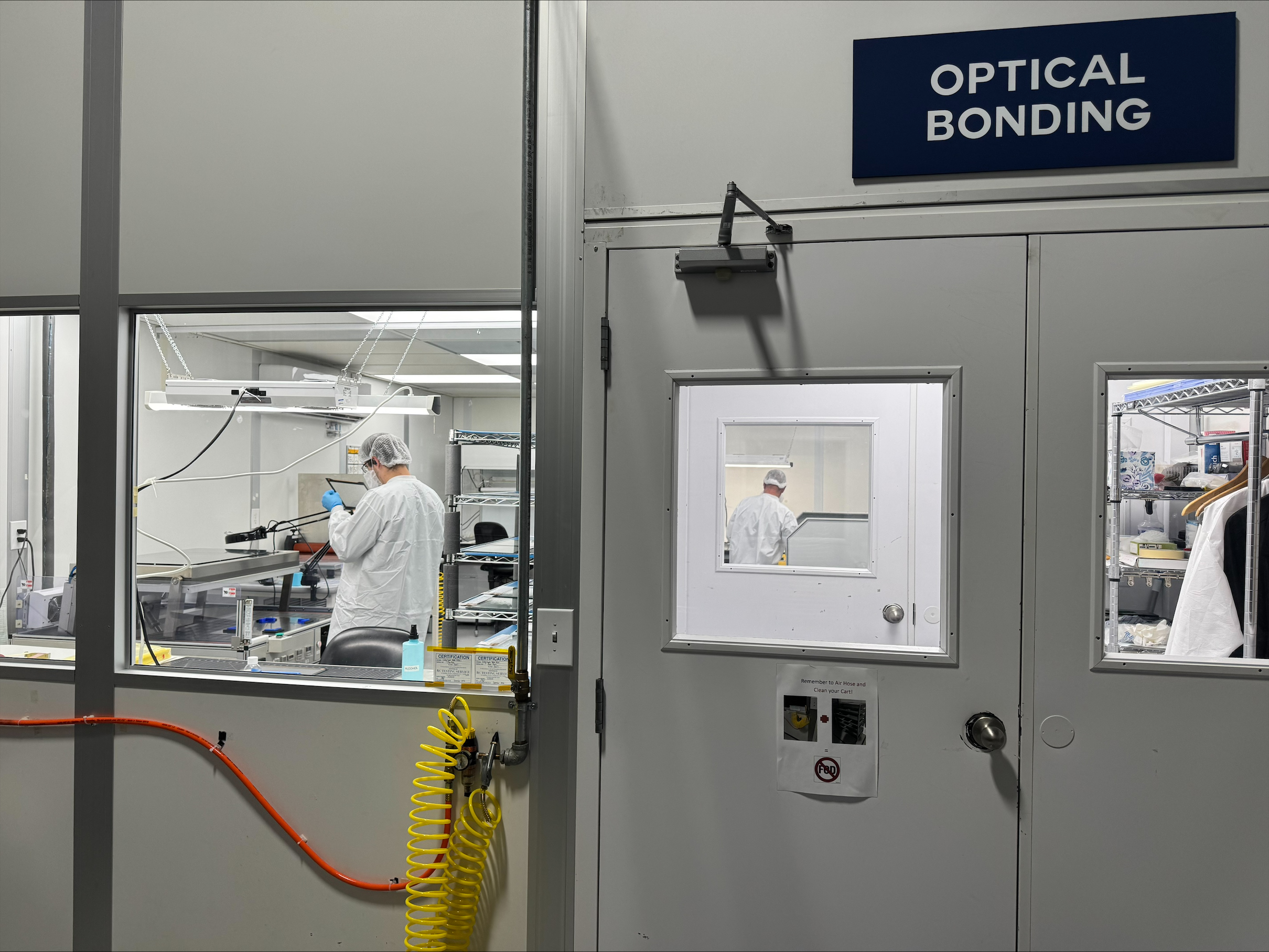
VacuBond® technology is our dry optical bonding process, carried out in-house in an ISO Class 7 clean room at our Ronkonkoma facility. It laminates a ready-formed sheet of silicone OCA under vacuum, so there is no liquid adhesive to leak or cure and no bubbles or debris trapped in the bond. Silicone OCA does not yellow, and because it stays pliable, the bond can be reworked. (Liquid vs dry optical bonding, and how silicone OCA compares with acrylic OCA and LOCA.)
What VacuBond can bond in a kiosk design:
- Displays up to 32 inches, with a touchscreen of any technology or a protective cover glass.
- TFT displays without a stable frame, and the bare TFT cell.
- The display directly into the customer’s housing.
No design is too custom for us. We embrace complexity, and a kiosk built around an unusual shape or housing is the kind of project the process is made for.
What about the computer and power supply behind the display?
Design them in with the display. A kiosk is a display, an embedded computer, and a power supply working as one. Display, embedded, and power expertise sit under one roof at FORTEC, so one engineering team is accountable for the whole assembly, including the interfaces between them.
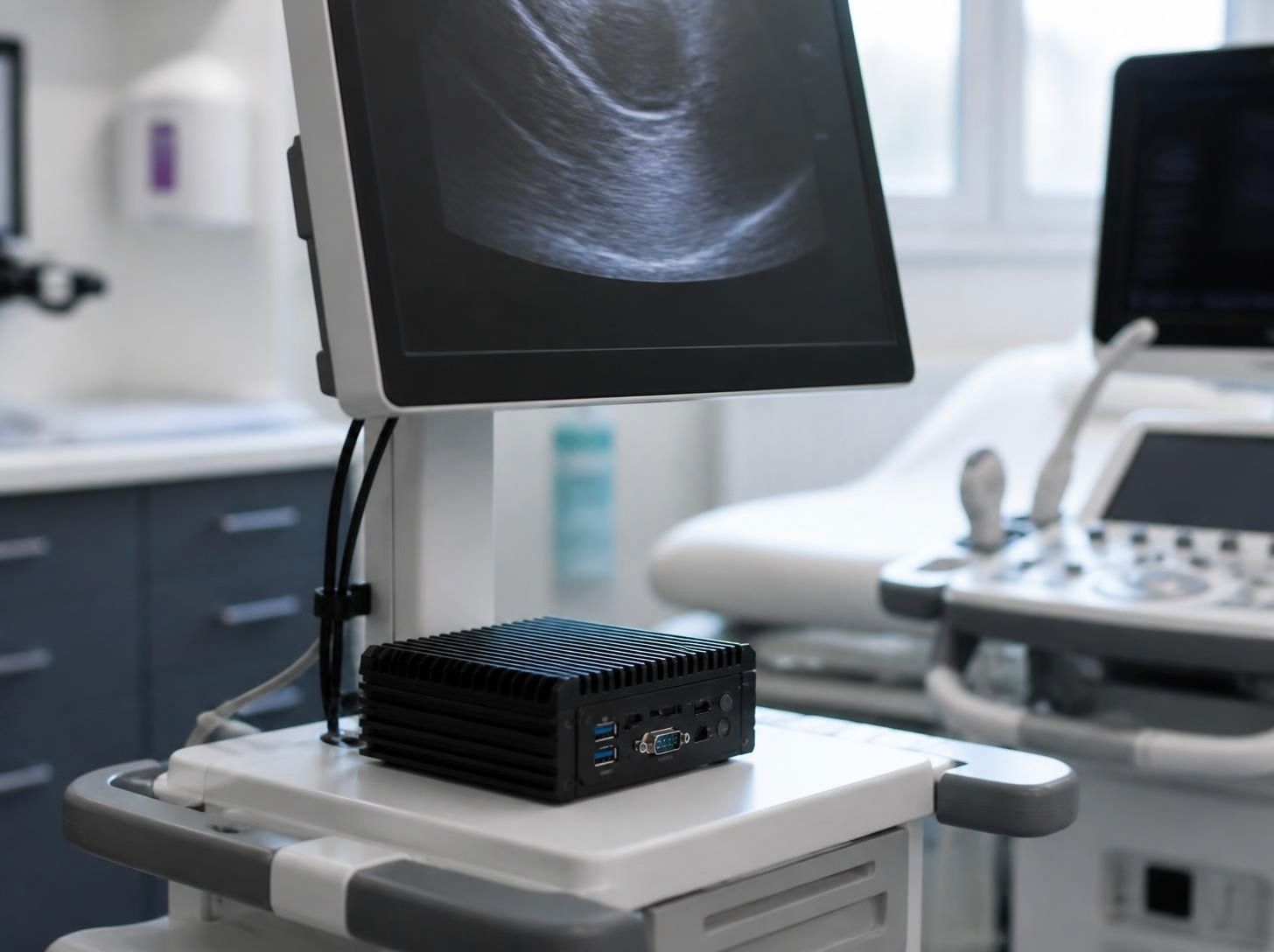
Mounting the computer directly behind the display keeps the video link short, which is what LVDS and eDP are designed for, and fewer cables mean fewer points to fail. Our BPCPRO-X51 box PC, one of many options, carries DisplayPort video, touch, and power to the display over a single screw-locking USB-C cable, so one locked connection replaces three.
Why bring a display partner in at the design stage?
Because every choice above is easiest to make before the housing is drawn. Customers often come to us after displays have failed in the field: fogging, overheating, touch dropouts, or intermittent faults. We solve them, but designing the display assembly together with the rest of the terminal from the start avoids them.
We are not a distributor. We design and manufacture display assemblies in Ronkonkoma, from standard products to fully customer-specific solutions. The terminals named above are examples, not limits: we design into whatever context the product requires, and behind us, the FORTEC Group adds the capacity to scale one design into volume.
Building a kiosk or self-checkout machine?
Tell us where it has to work, and we will take it from there. We recommend the panel, touchscreen, cover glass, bonding, and brightness for the terminal, handle the integration and the sourcing, and stay with the project from first samples to series production. We also manage obsolescence for the life of the product: when a part in an assembly receives an end-of-life notice, we tell customers early and plan the next step with them, whether that is a last-time buy to cover the remaining builds or qualifying a replacement before supply runs out. Get in touch about your project.
Which Optical Bonding Material Is Best: Silicone OCA, Acrylic OCA, or LOCA?
October 15, 2026
How Do You Design a Display for Harsh Environments?
October 12, 2026
How to Choose an Edge AI Computer for a Medical Device
September 29, 2026
Embedded PCs vs. Consumer PCs: What’s the Difference?
August 31, 2026

How Hover Touch Technology Can Improve Industrial Interfaces
August 31, 2026
The Real Cost of Choosing the Wrong Display for an Industrial Product
August 28, 2026